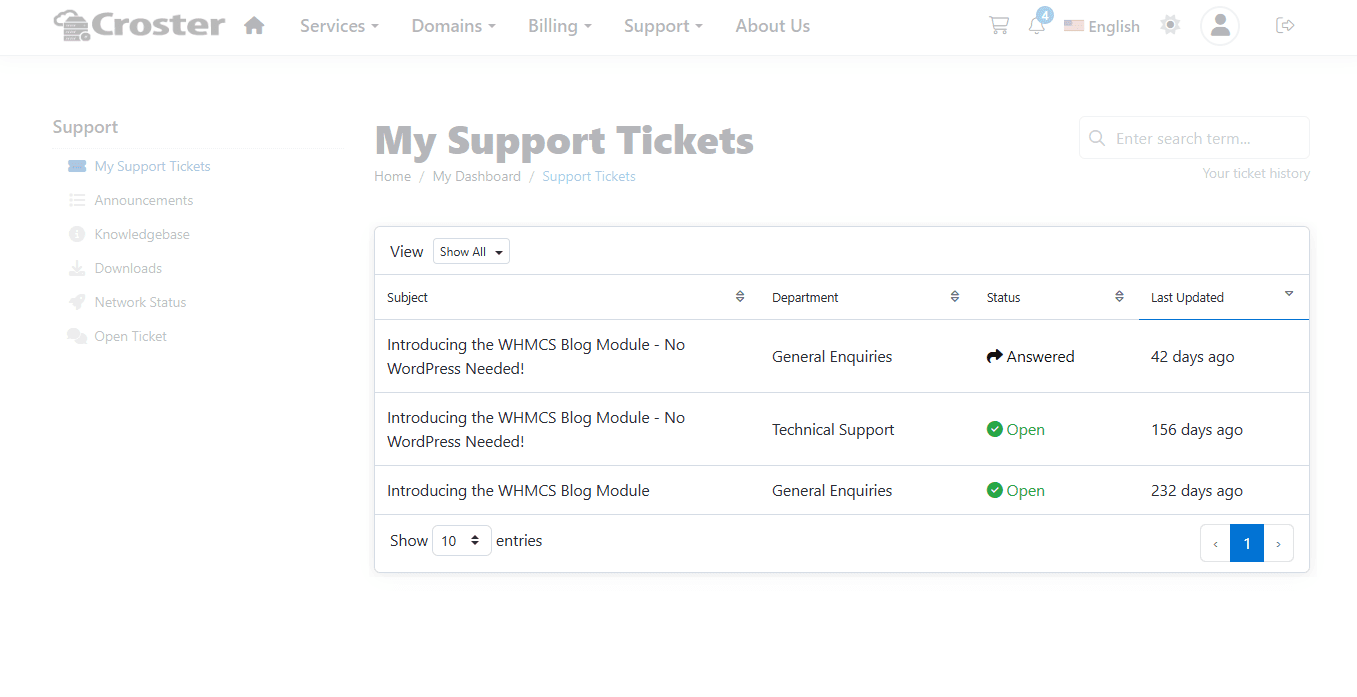
Support Tickets
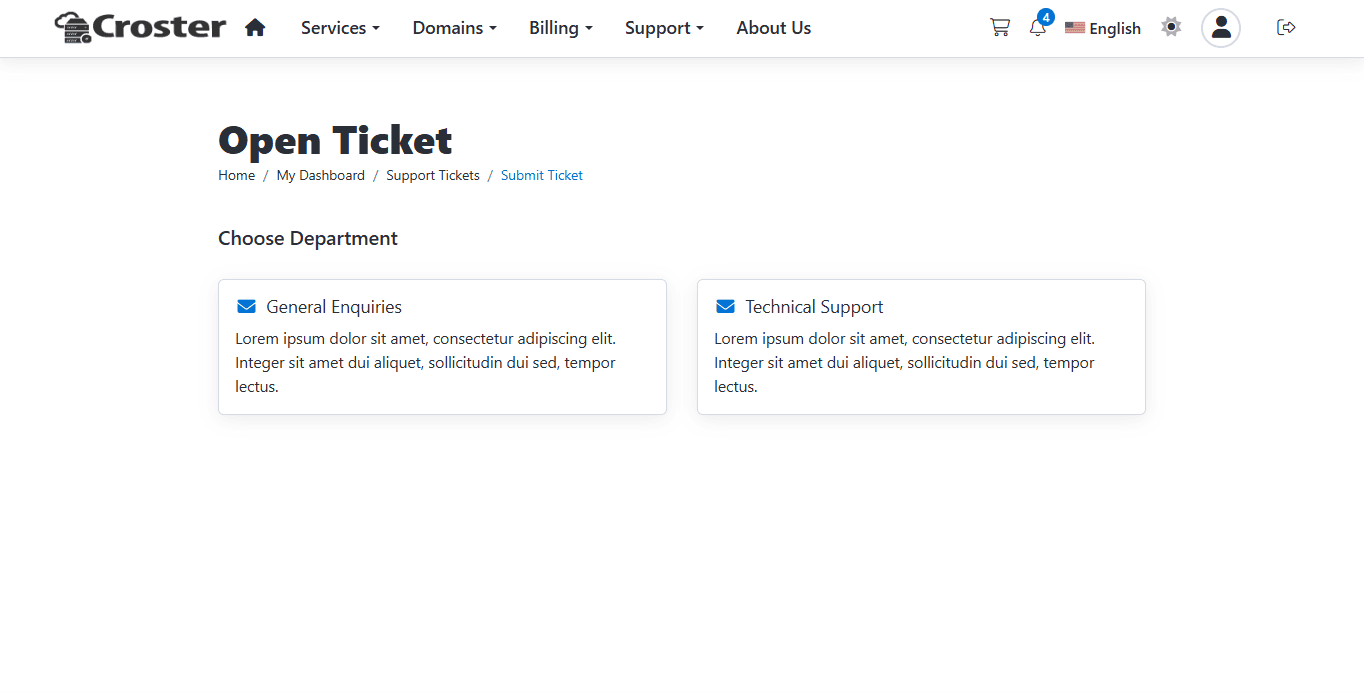
Using this option, you can select the layout for displaying support ticket departments.

Default
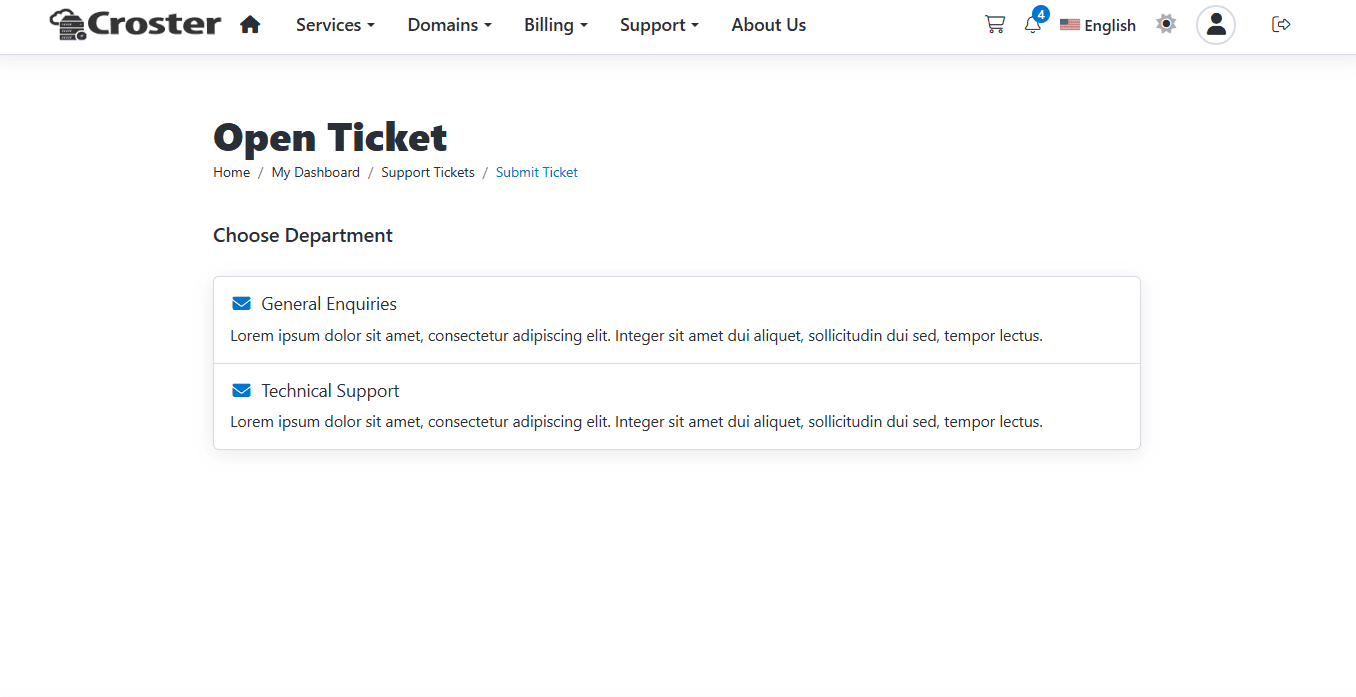
Separate Boxes
When enabled, the Knowledgebase search bar will be displayed above the support departments.
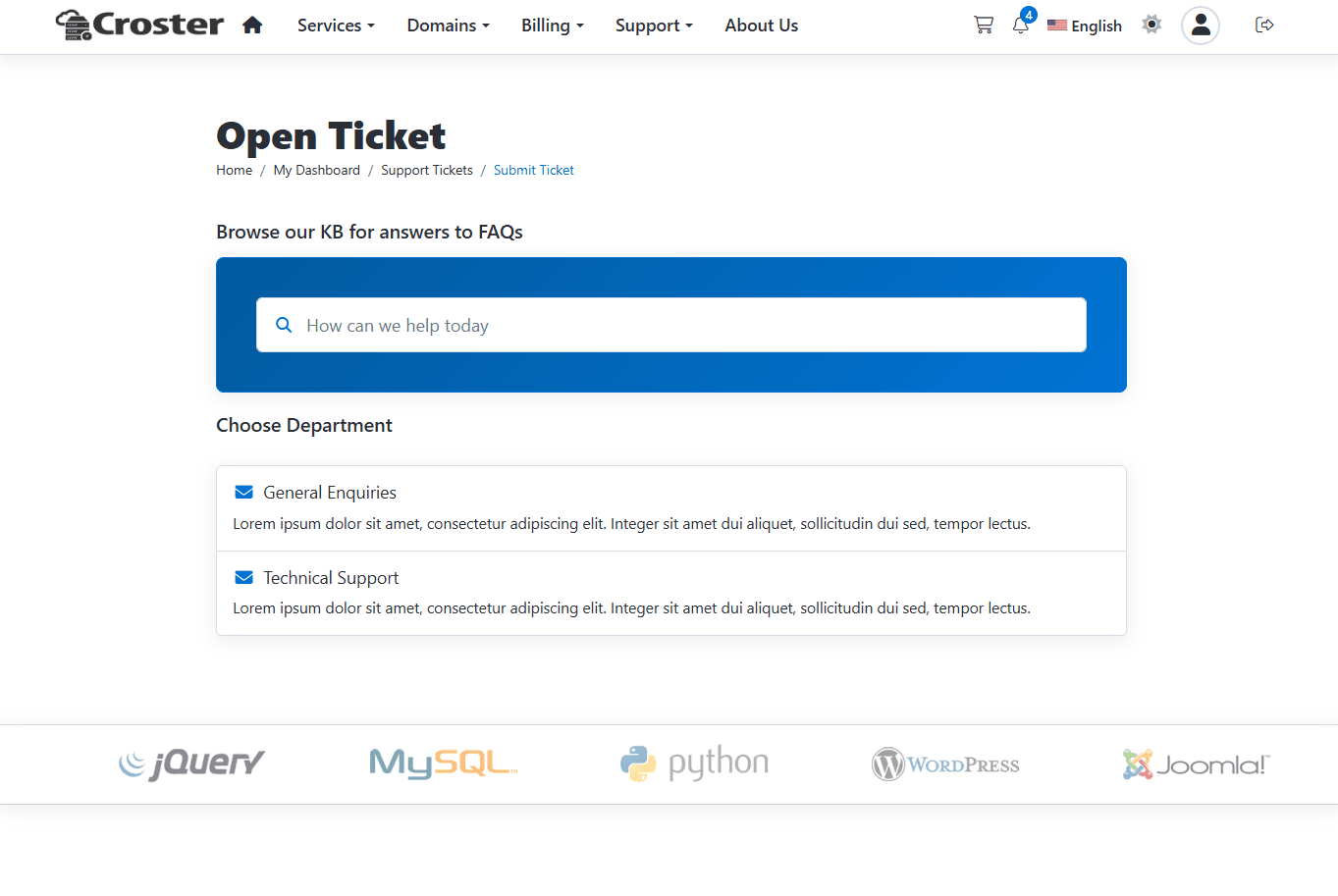
From this section you can manage Open Ticket (Step Two) page.
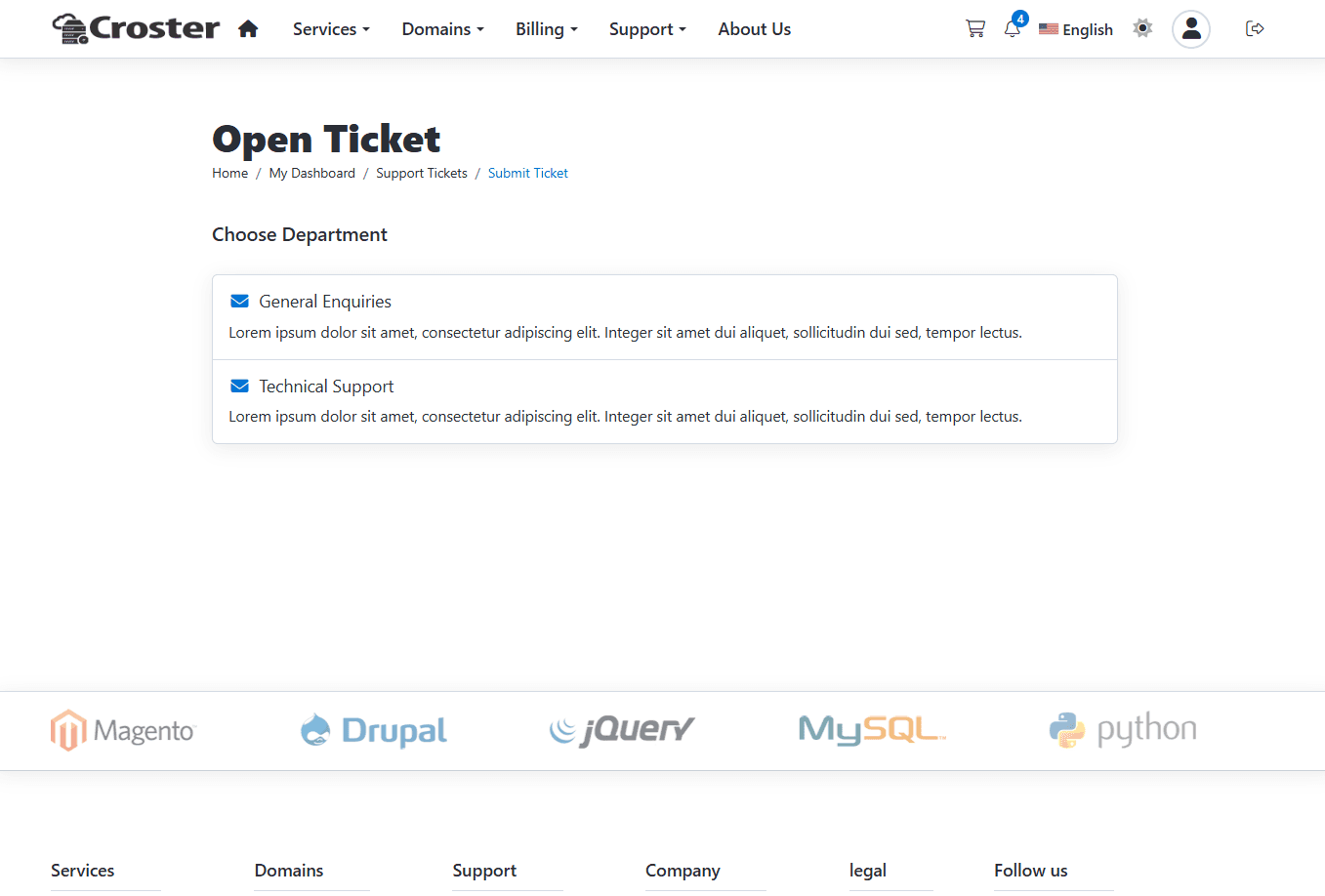
When enabled, all sidebars are disabled on Open Ticket pages.

The effect before applying this setting.
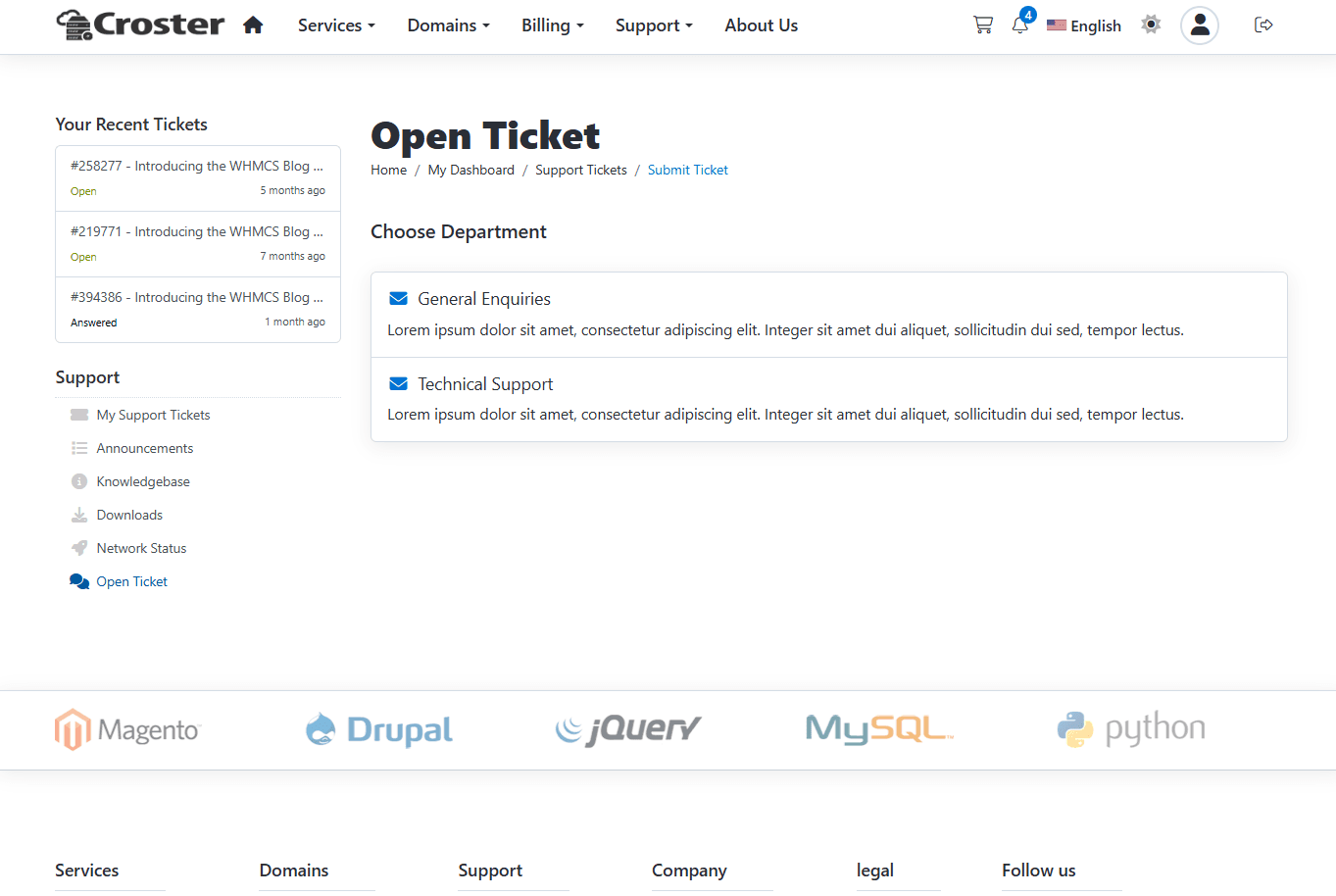
The effect after enabling this option - sidebar will be removed from Open Ticket pages.
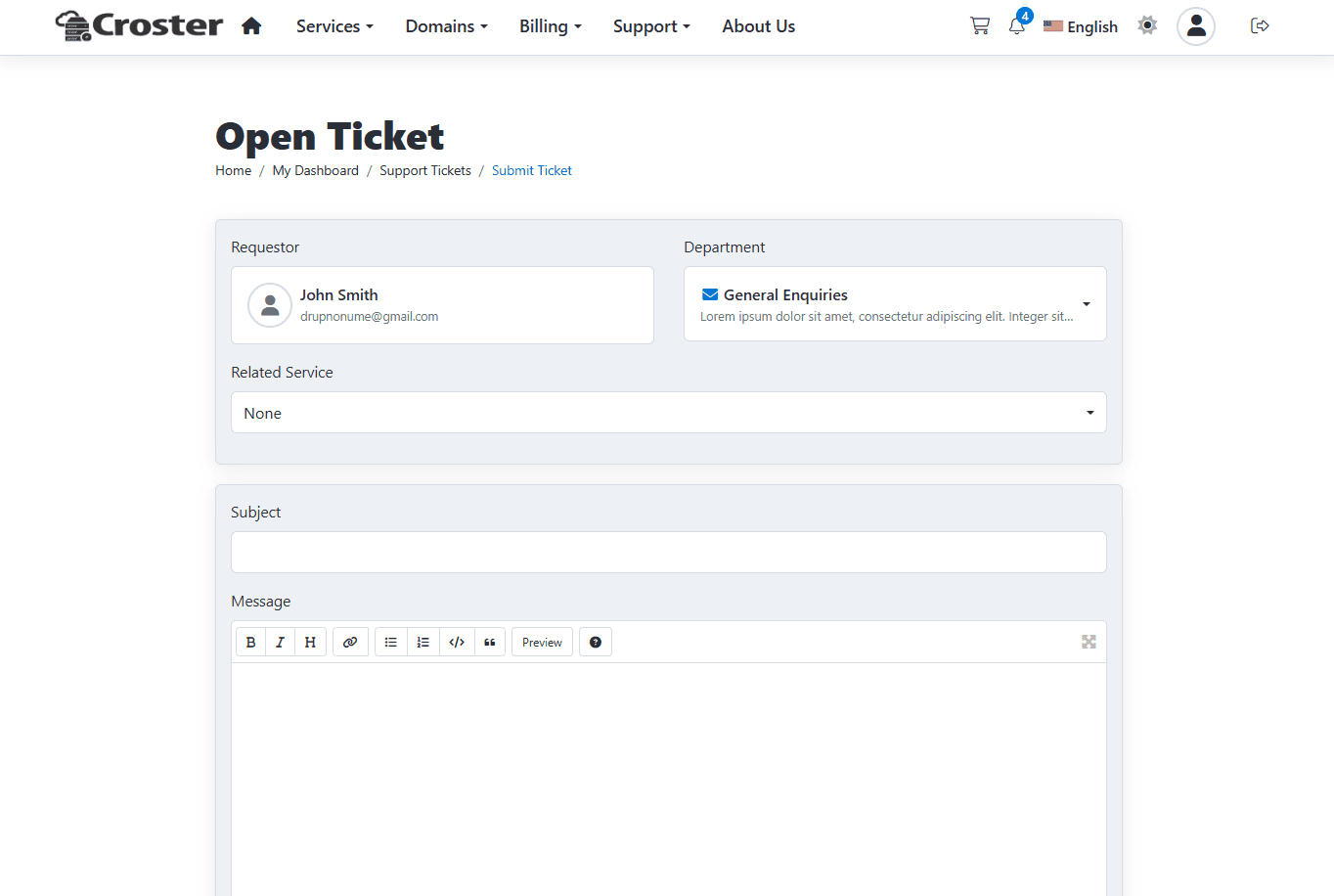
This option allows hiding the Ticket Priority options.

The effect before applying this setting.
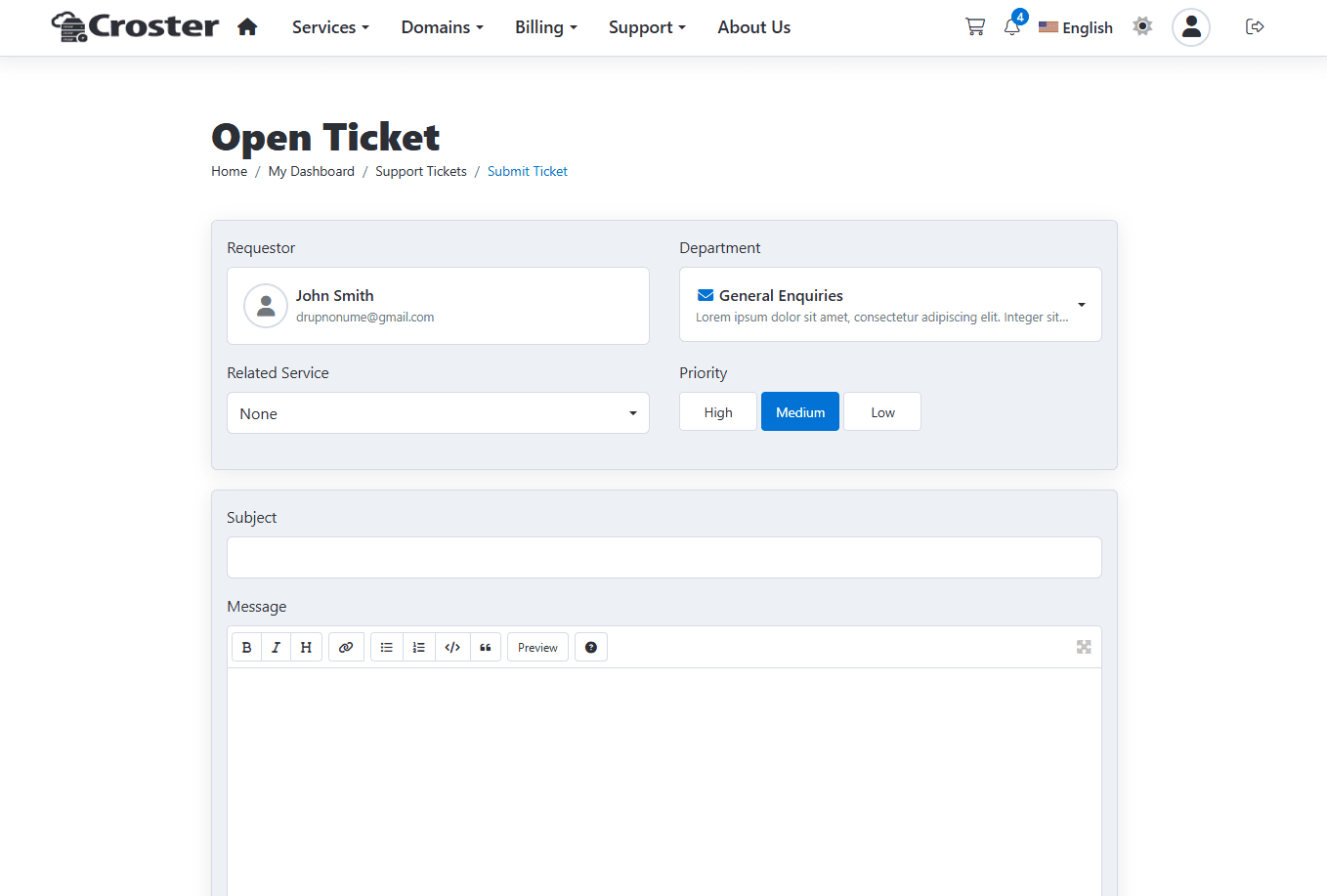
Once you enable the option the Ticket Priority option will be remove.
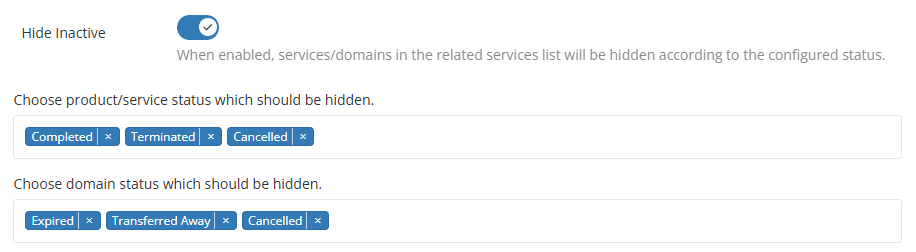
When enabled, services/domains in the related services list will be hidden according to the configured status.
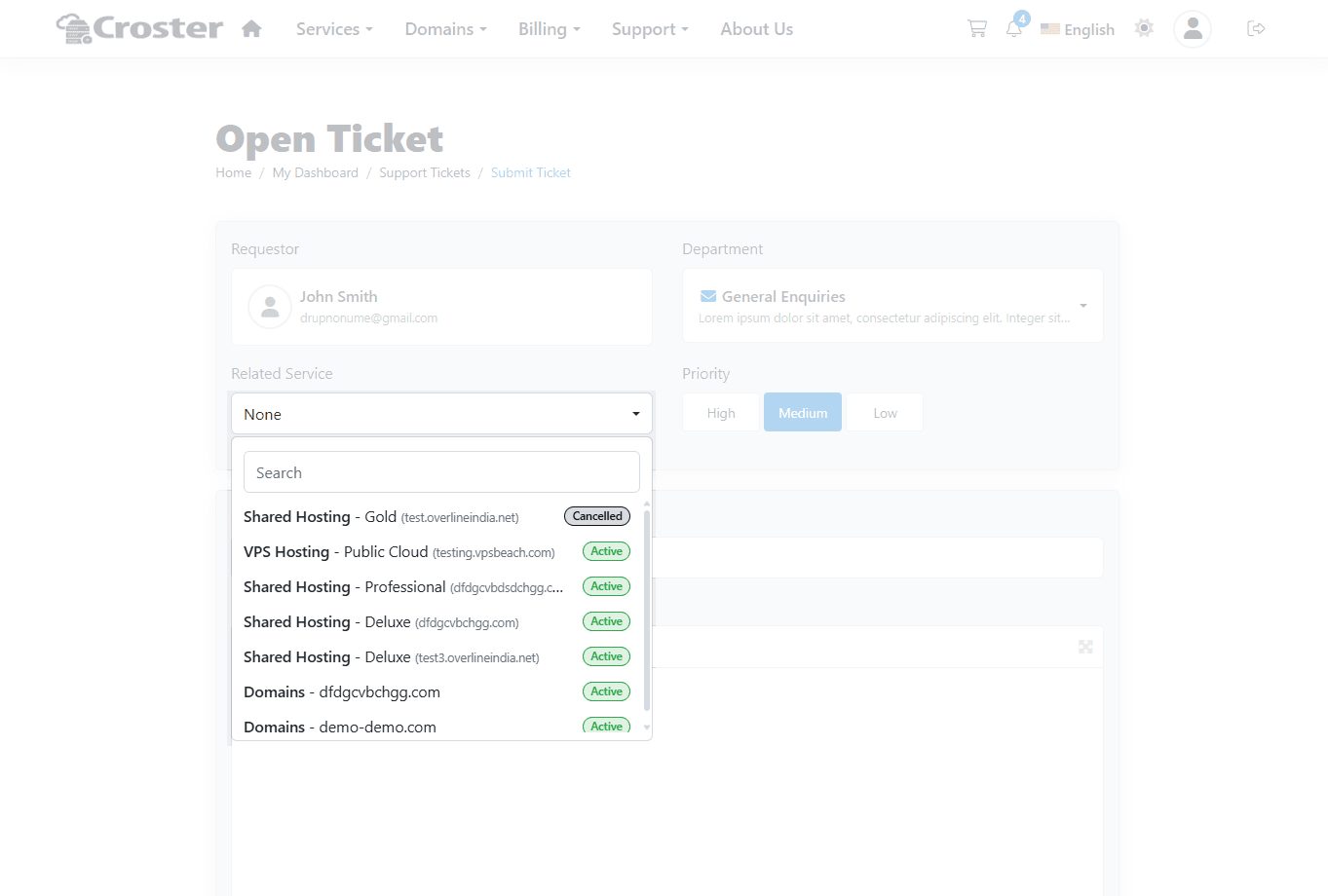
When enabled, product group name will be hidden in related services dropdown.
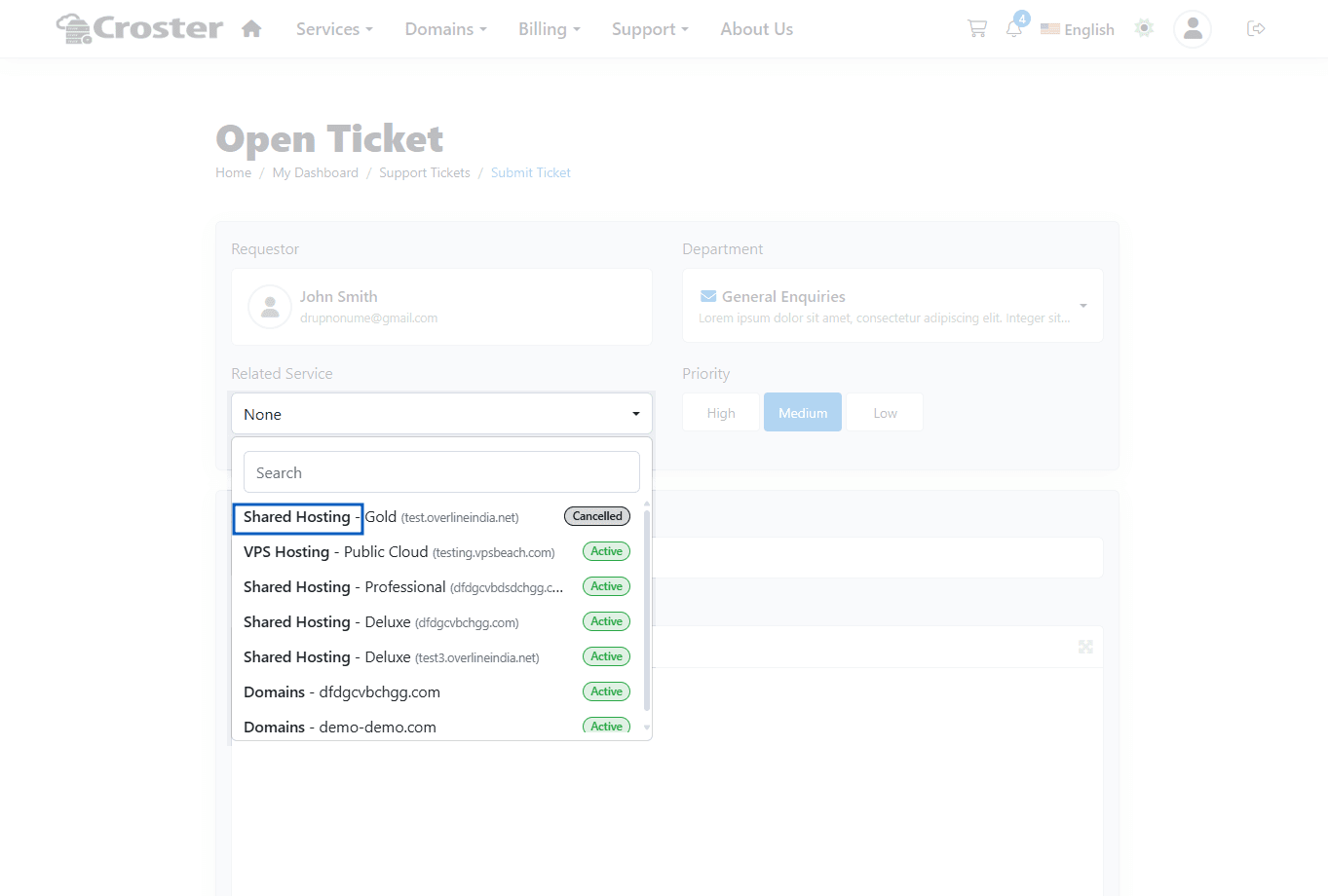
When enabled, status label will be hidden in related services dropdown.
You can choose the position of the Ticket Reply container:
- Bottom – Displays the reply form at the end of the conversation, similar to the default WHMCS layout.
- Top – Displays the reply form above the entire ticket conversation.
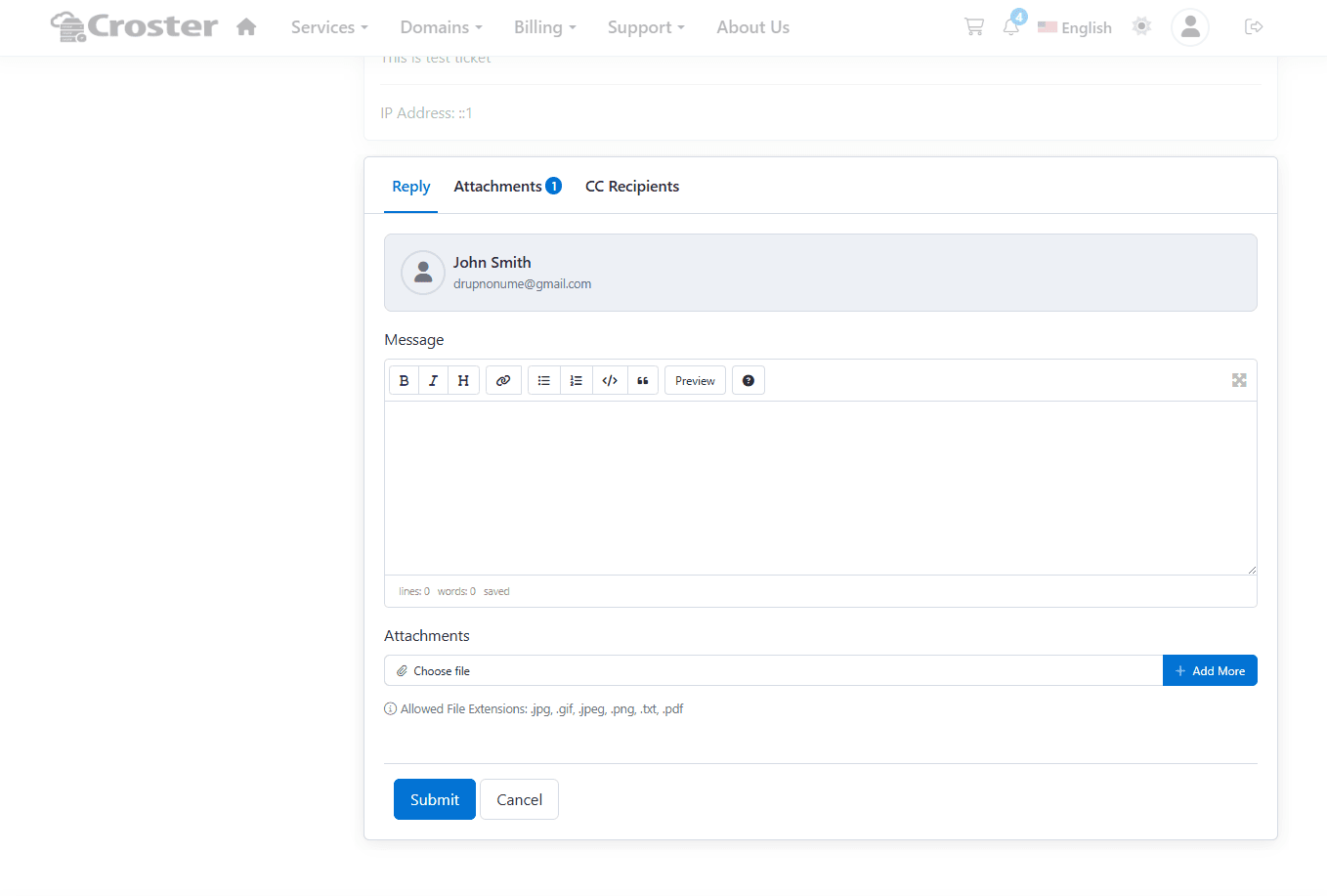
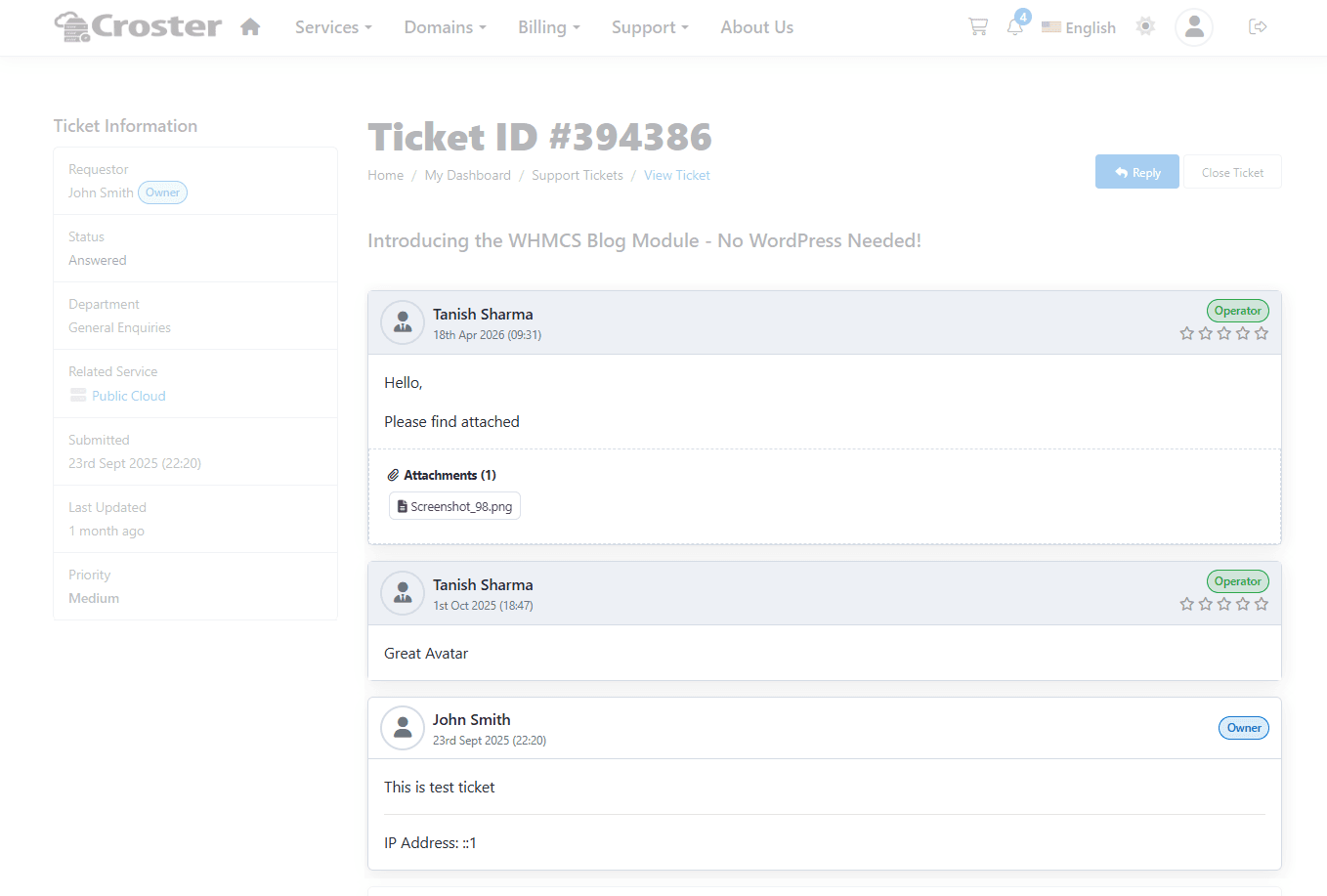
You can choose the ordering of ticket messages/conversations:
- Descending – Newest messages appear first.
- Ascending – Oldest messages appear first, with newer messages displayed at the bottom.
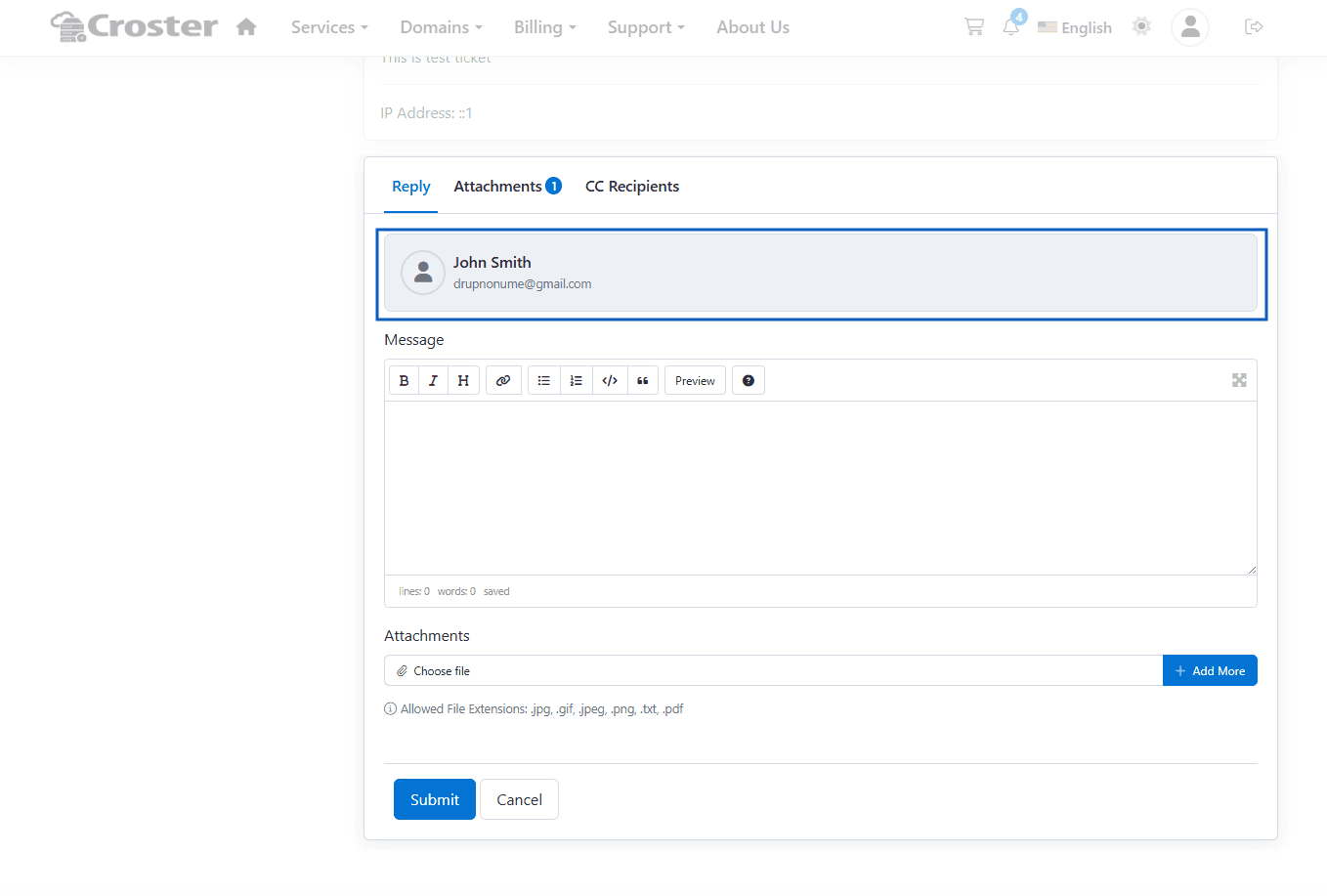
When enabled, the user information card for logged-in clients will be hidden in the ticket reply container.
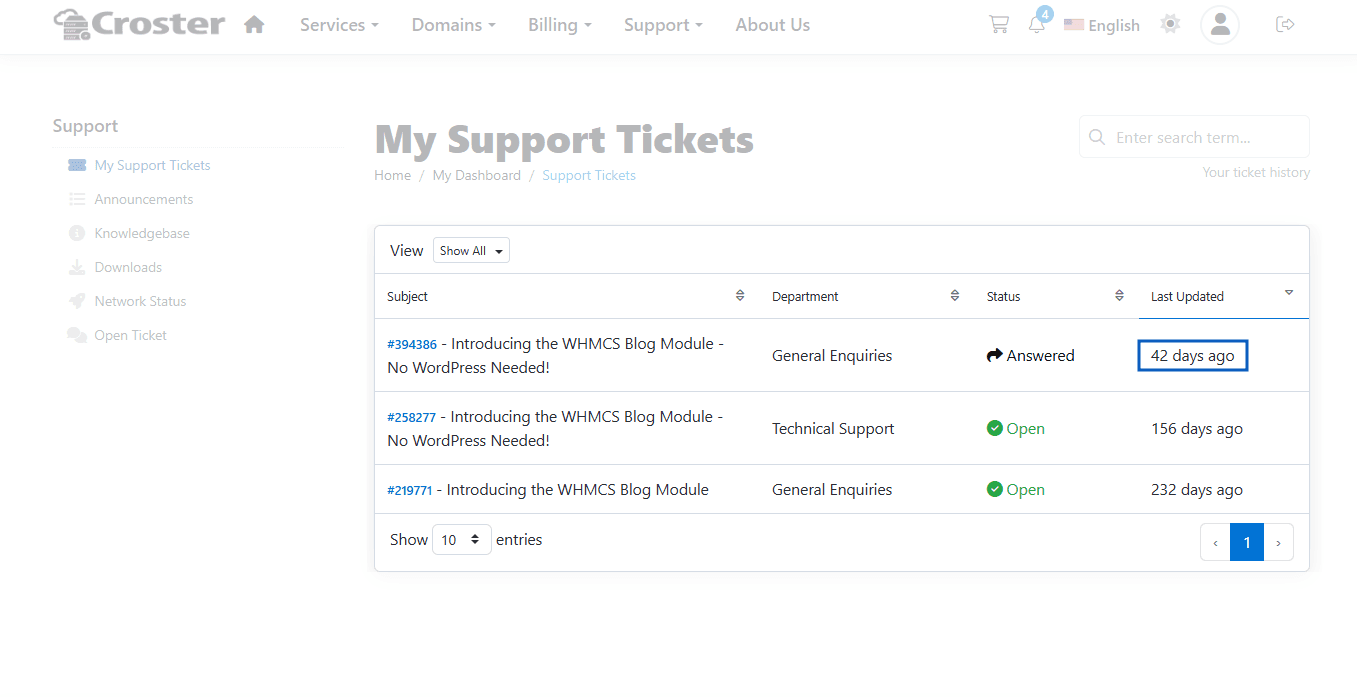
This option change the display of the "Last Updated" time in the ticket list, showing it as "x days ago".
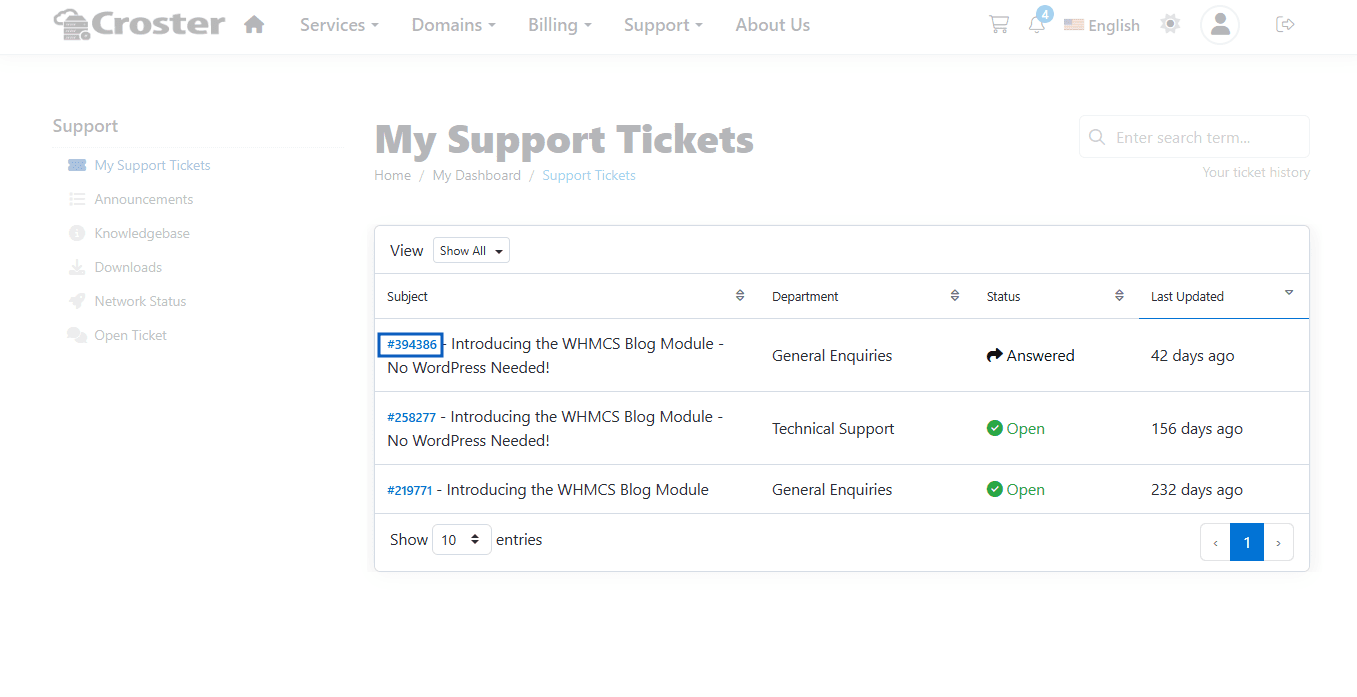
When enabled, The Ticket ID will hidden from Ticket Subject.
Before enabling this option.
After enabling the "Hide Ticket ID" option.