
Contact Page
WHMCS Admin >> System Settings >>General Settings >> Email, as shown in the screenshot below.

There are two Contact Us page types Default and Modern available. You can choose the one that best suits your preference .

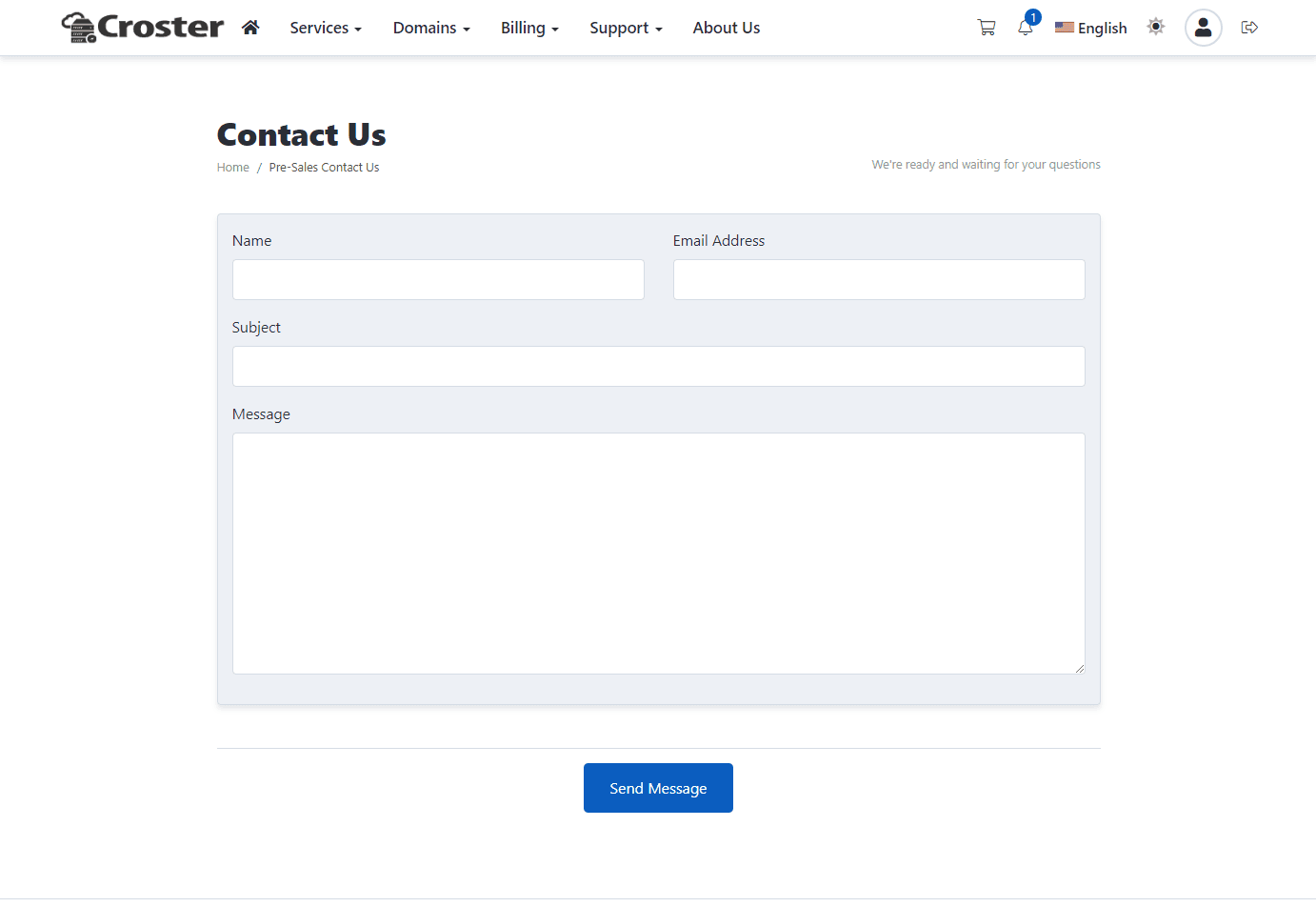
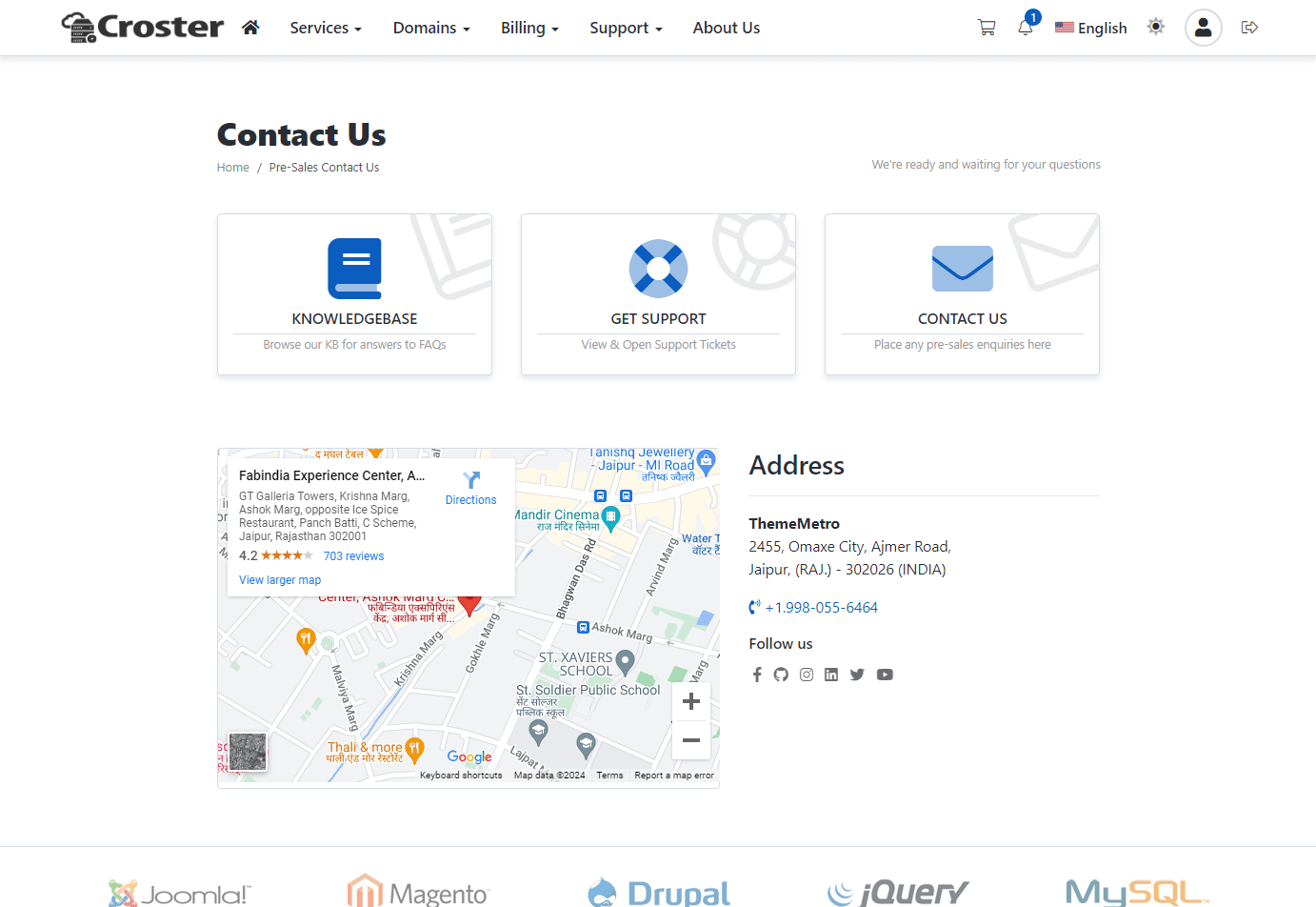
When you select the "Modern" the options below will appear, allowing you to configure the page.
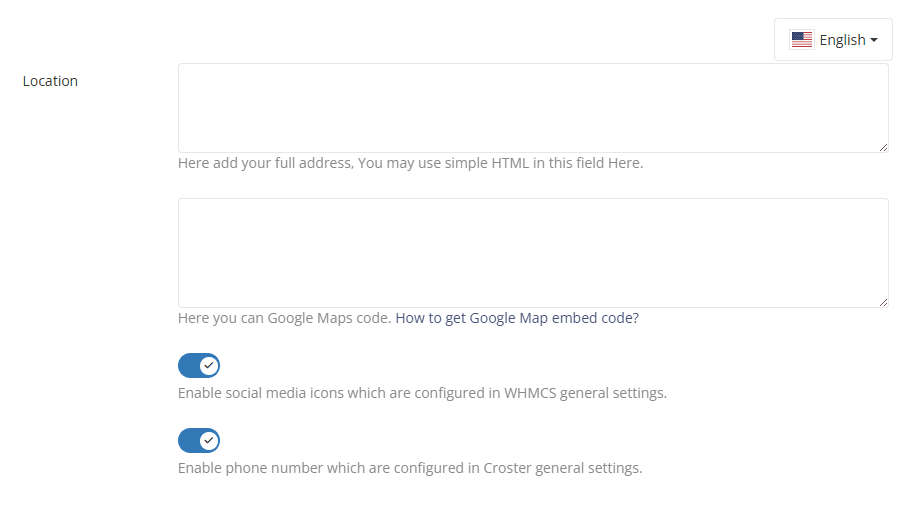
In first input you can add your address here. You may use simple HTML in this field, as shown in the example below.
In the second input, you can add your Google Map embed code. Instructions for the Google Map code are provided in the same section.
You can also enable the display of your email address and social media links by activating the other two options. Please ensure you have added social media links in WHMCS admin >> System Settings >> General Settings >> Social and Email in the Croster Panel >> Setup >> General Settings >> Email.