
Section Text/HTML Editor
The Text/HTML Editor Section allows you to add custom content anywhere on your page using a visual editor. This section is ideal for creating company introductions, service descriptions, announcements, custom layouts, embedded media, HTML code, and other rich content.
The editor supports text formatting, lists, tables, images, links, videos, and custom HTML code.
The Section Layout option controls the width of the content displayed within the page.

Available options are:
- Container – Displays the content within the website's standard content width.
- Full Width – Displays the content across the full width of the page.
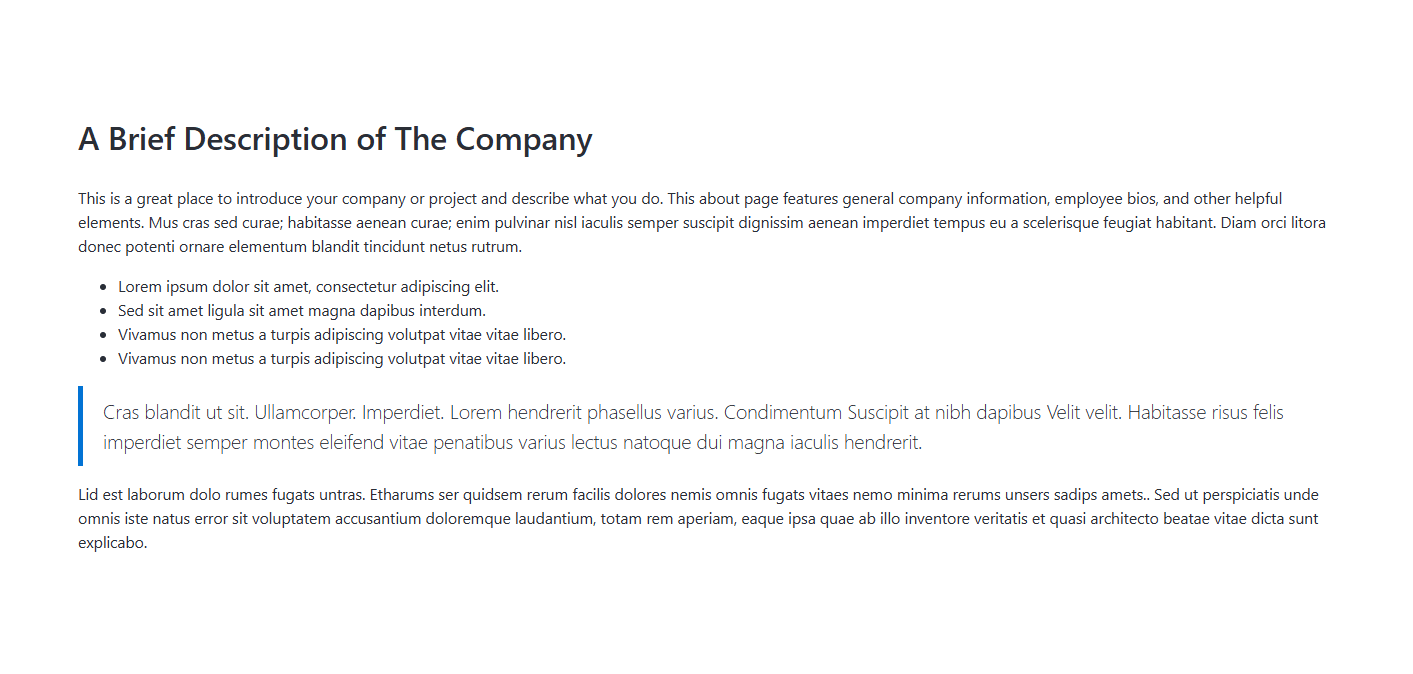
Use the editor to add and format your content.
The editor supports:
- Headings
- Paragraphs
- Bold, Italic, Underline, and Highlight formatting
- Ordered and unordered lists
- Tables
- Hyperlinks
- Images
- Videos
- Custom HTML content
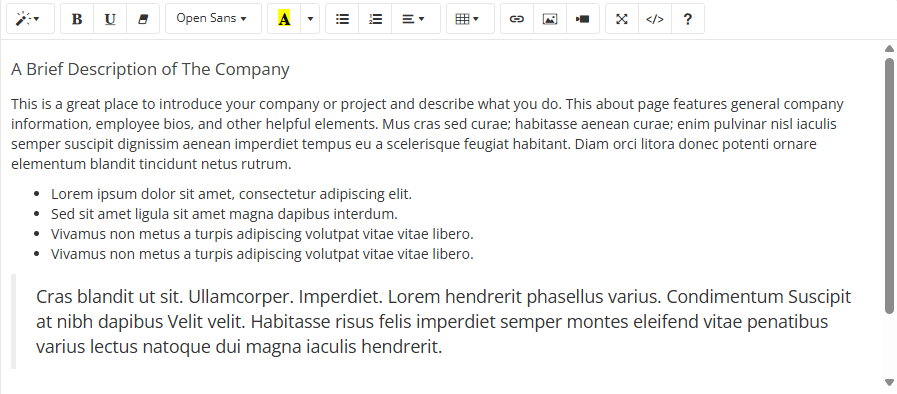
If you are familiar with HTML, you can switch to source code mode using the Source Code button in the editor toolbar and enter custom HTML markup directly. All supported Bootstrap 4.x classes can be used to build custom layouts and styled content within the section.
Example
This allows you to create advanced layouts, embed third-party widgets, or insert custom content not available through the visual editor.
For information about configuring Section Styles, and other common options, please refer to the Common Settings documentation.