Documentation
Client Area Settings
Login Page
Login Page
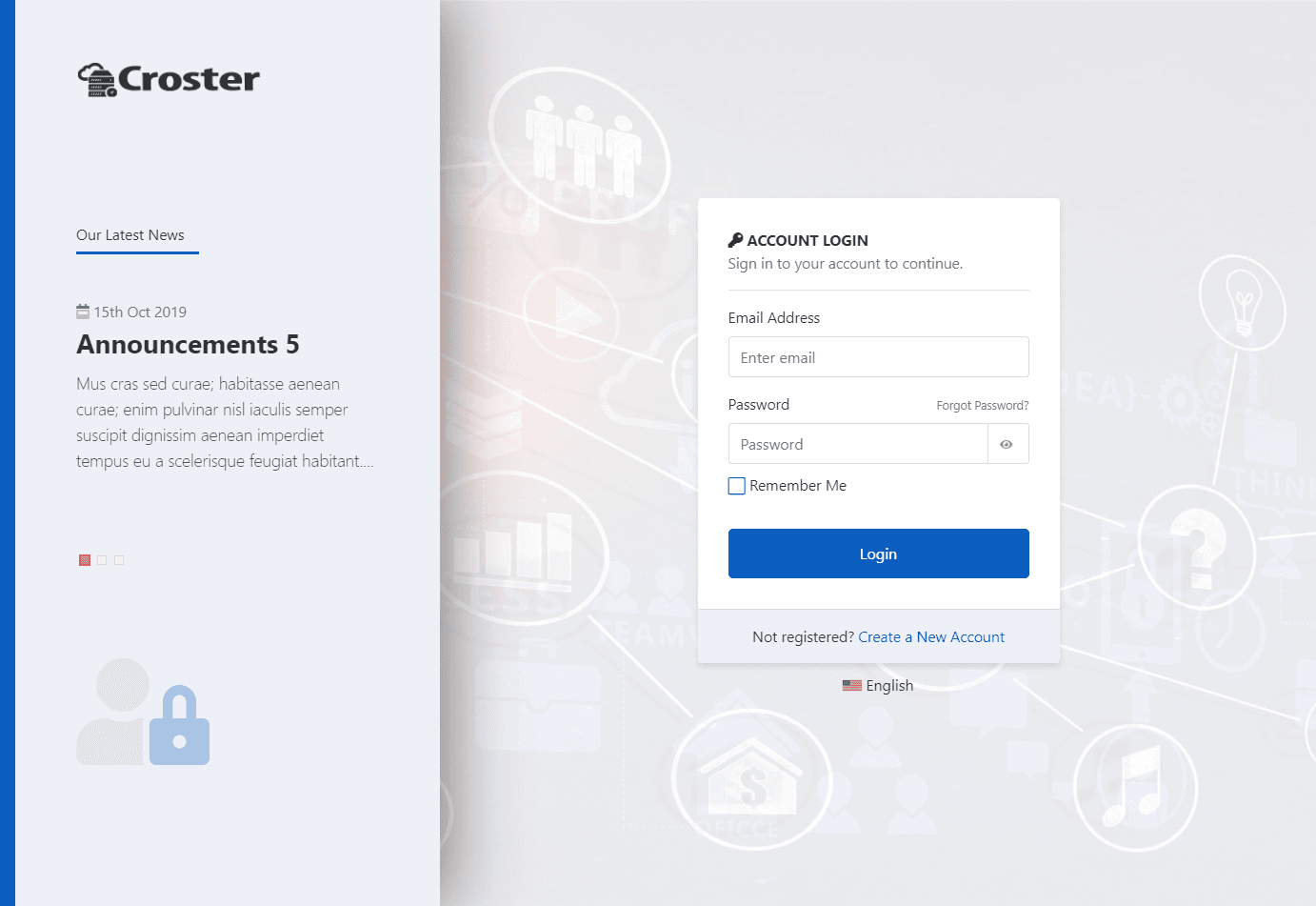
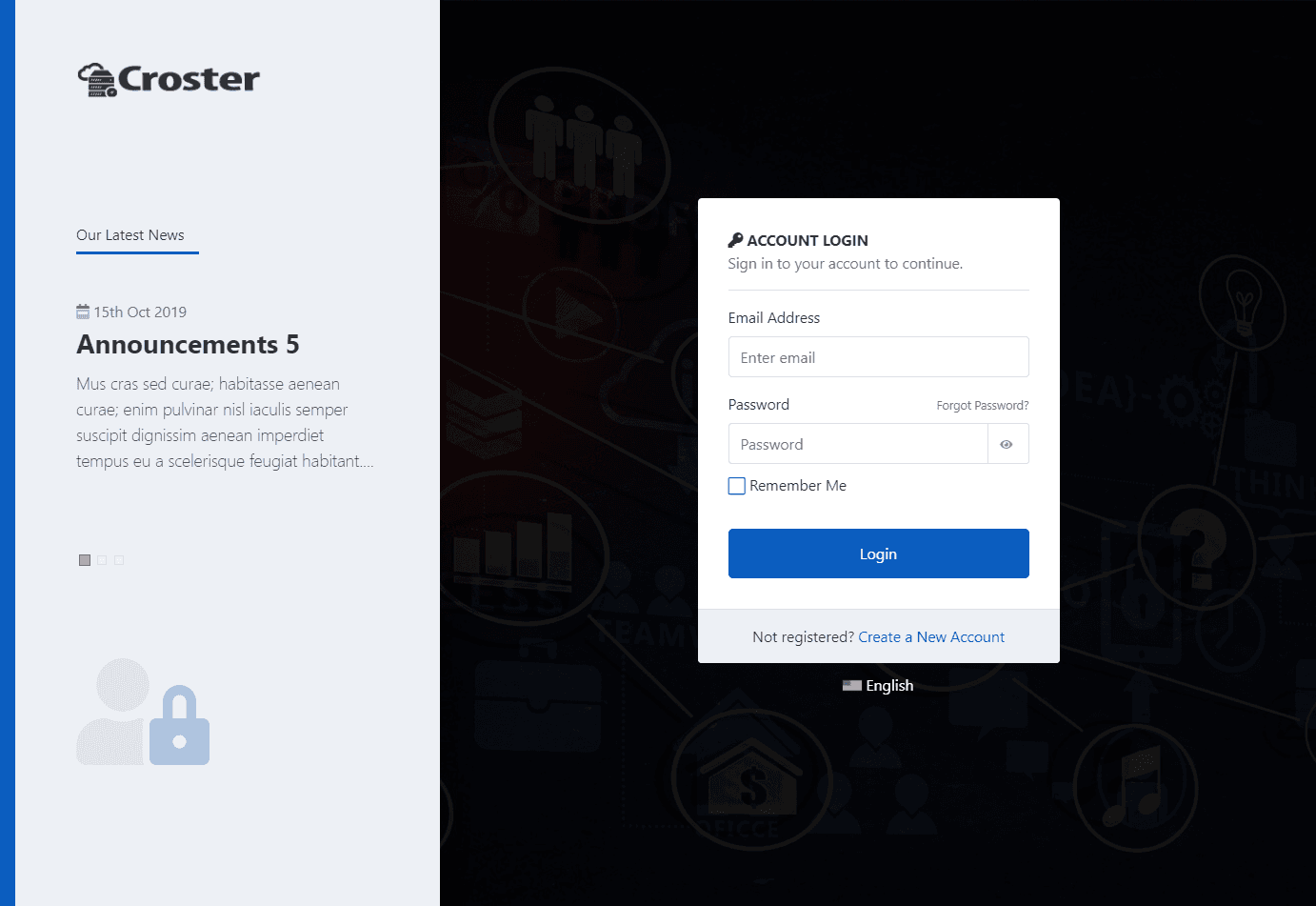
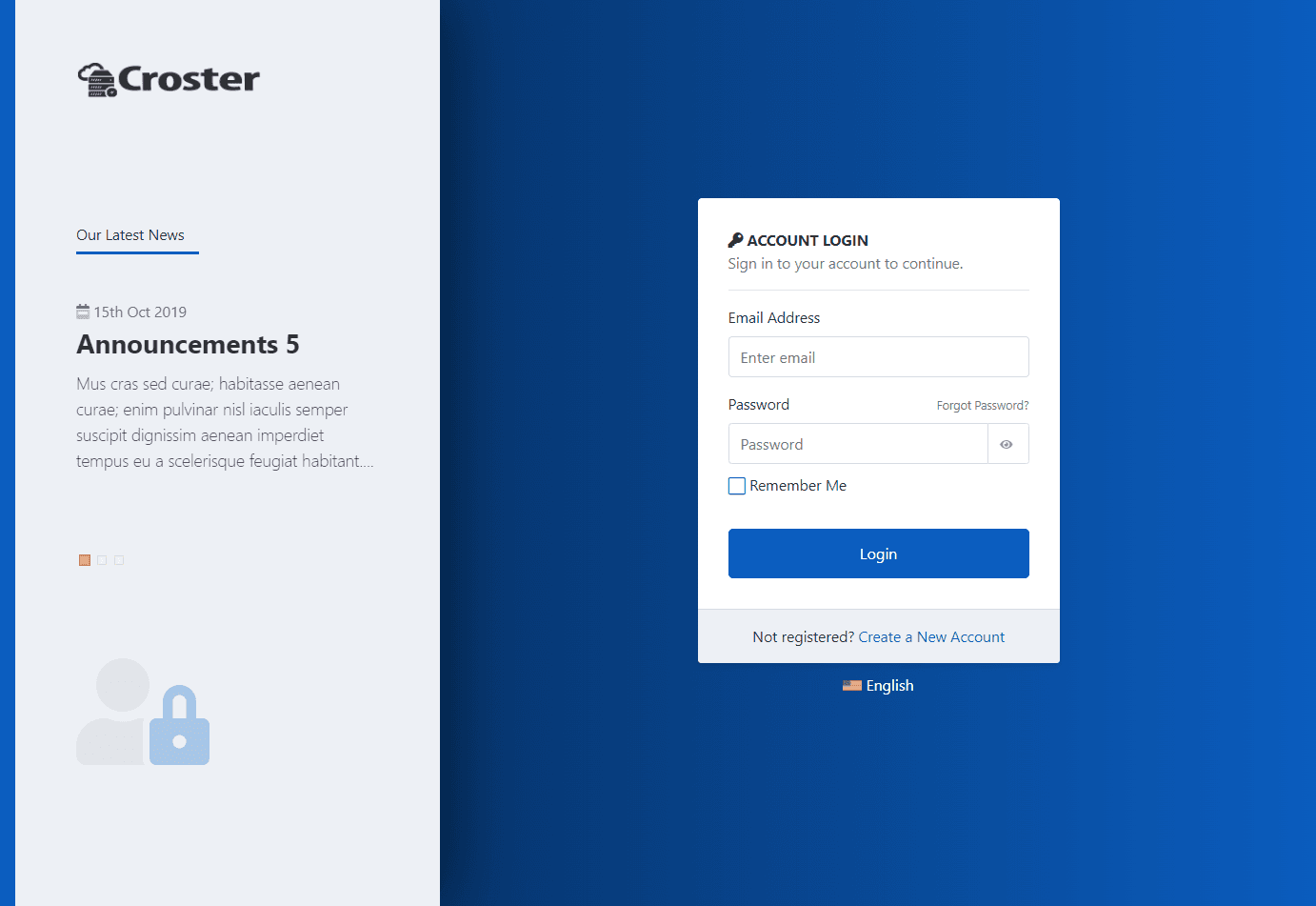
There are two Login page types Default and Modern available. You can choose the one that best suits your preference .

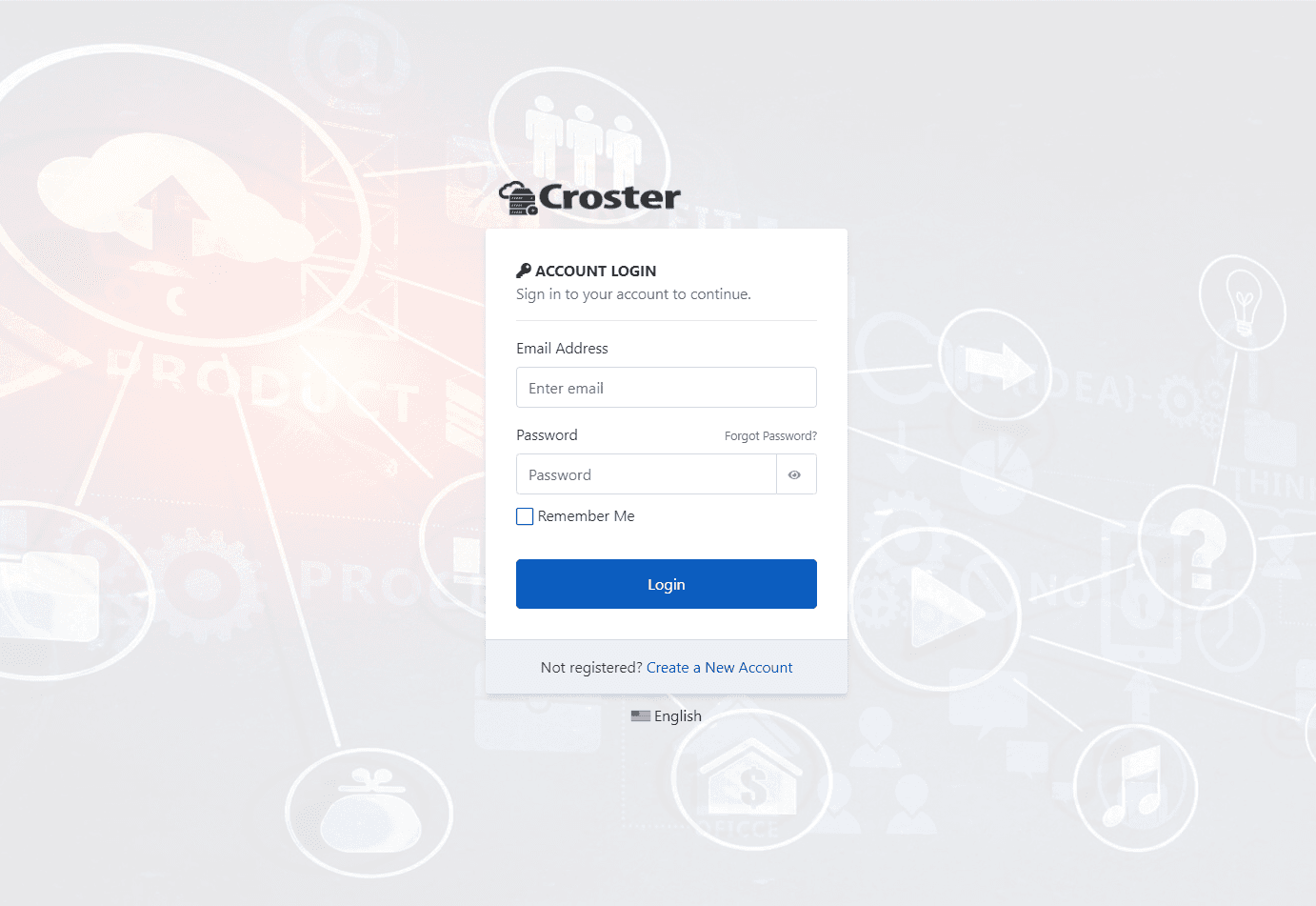
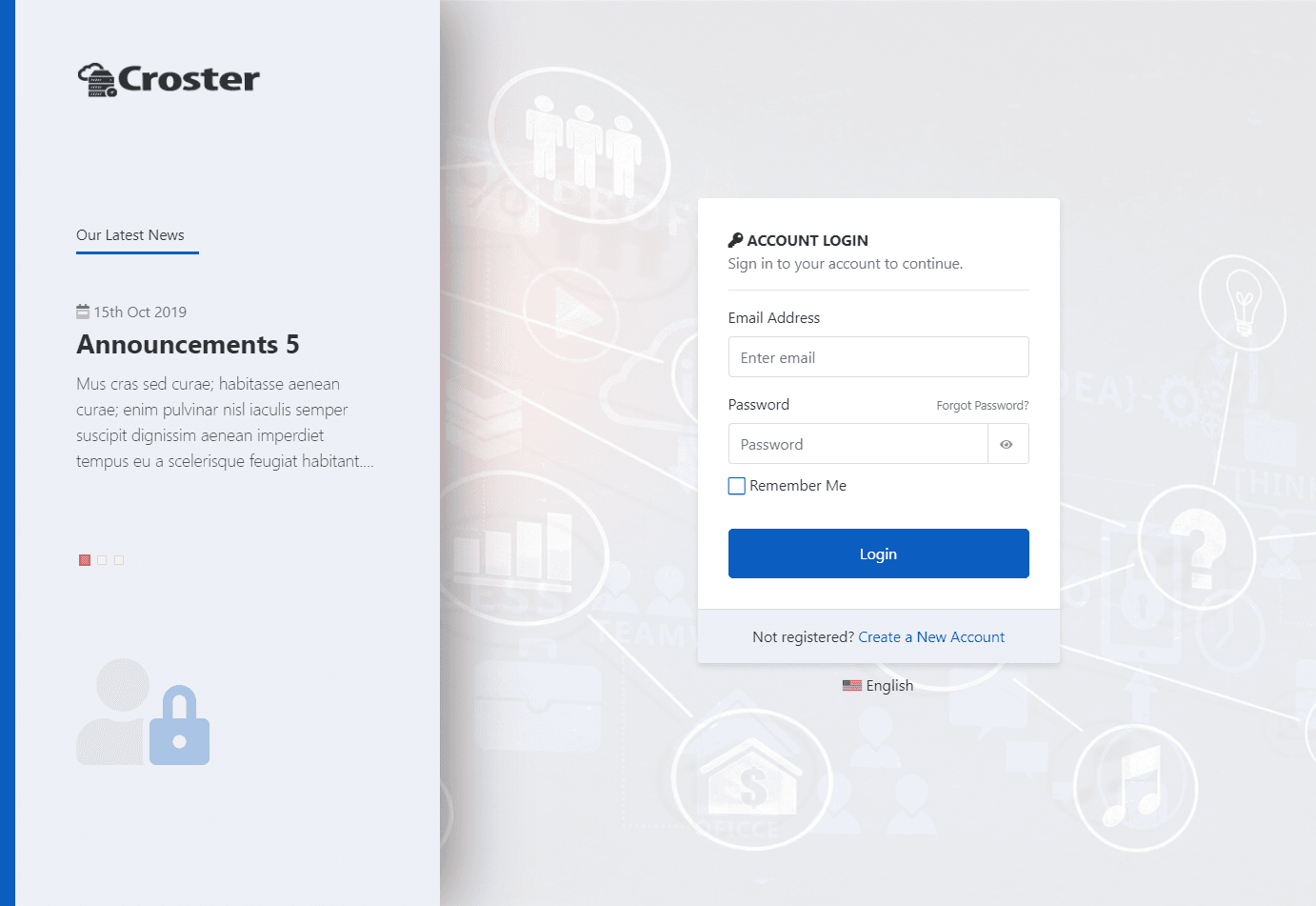
You can select the background type ('Light', 'Dark', or 'No Images') for the login page and change the background image. Simply upload by clicking the image icon in the input or add a link to an image in the input field, as shown below, to replace the default images of the login page.