
General Settings
Enable this if you'd like to display avatar in place of account icon in dashboard sidebar, user management, secondary menu and ticket messages. Avatars are displayed from Gravatar website.

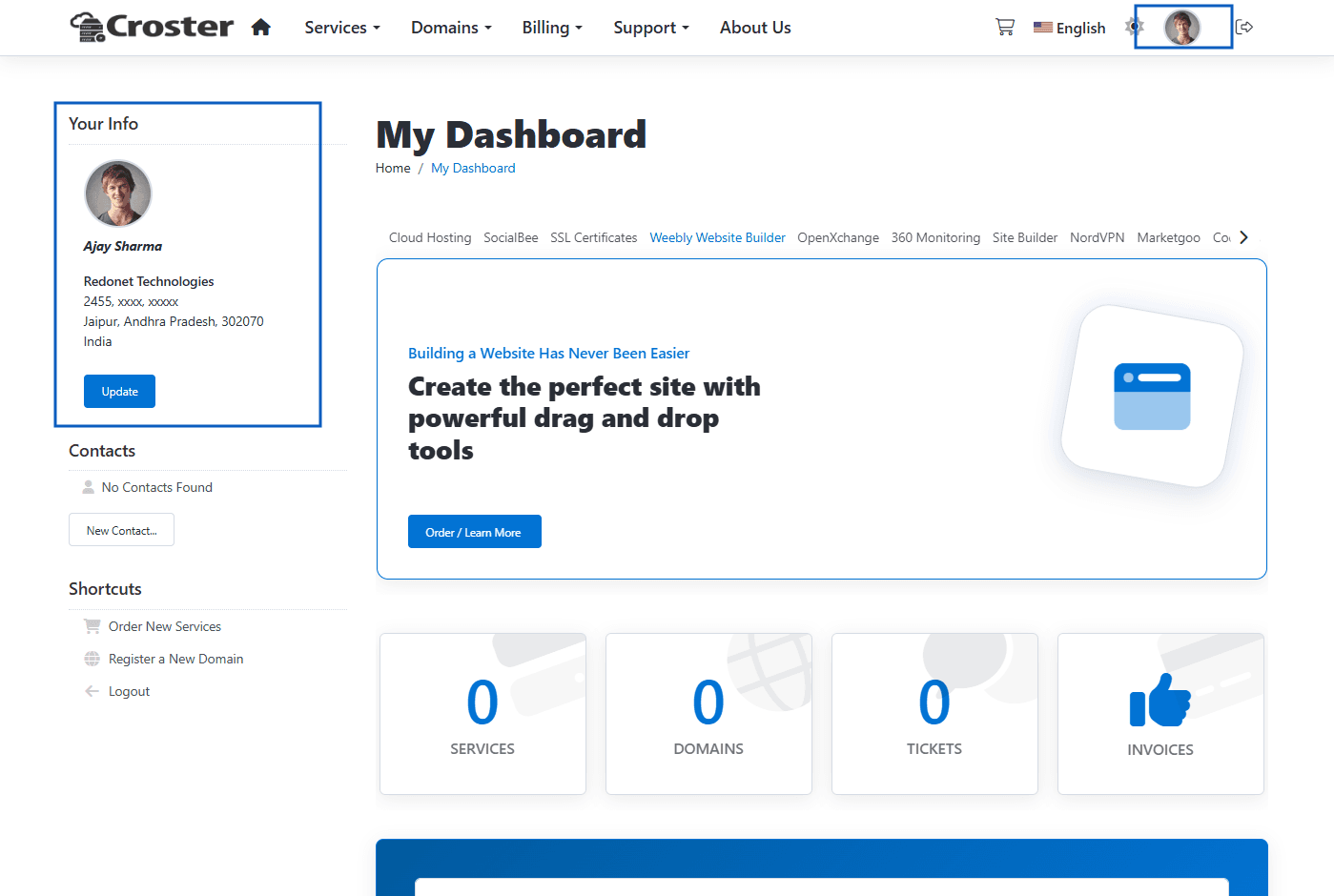
If you want to use a branded Avatar for staff replies on the View Ticket page, upload your logo.
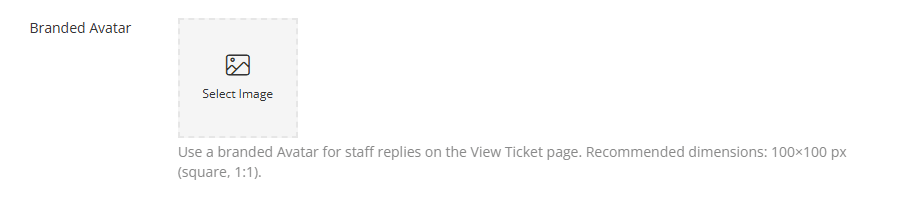
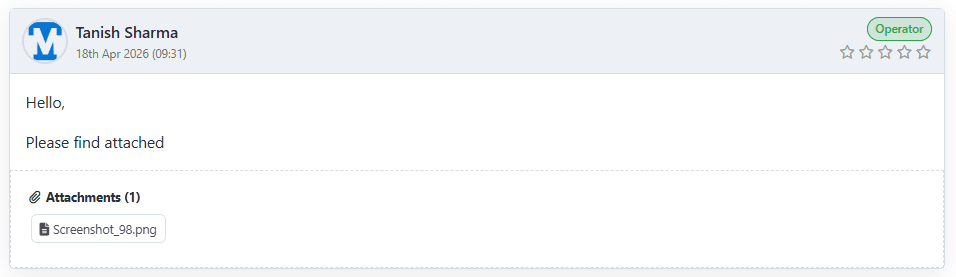
The Branded Avatar will be displayed as shown in the screen below.
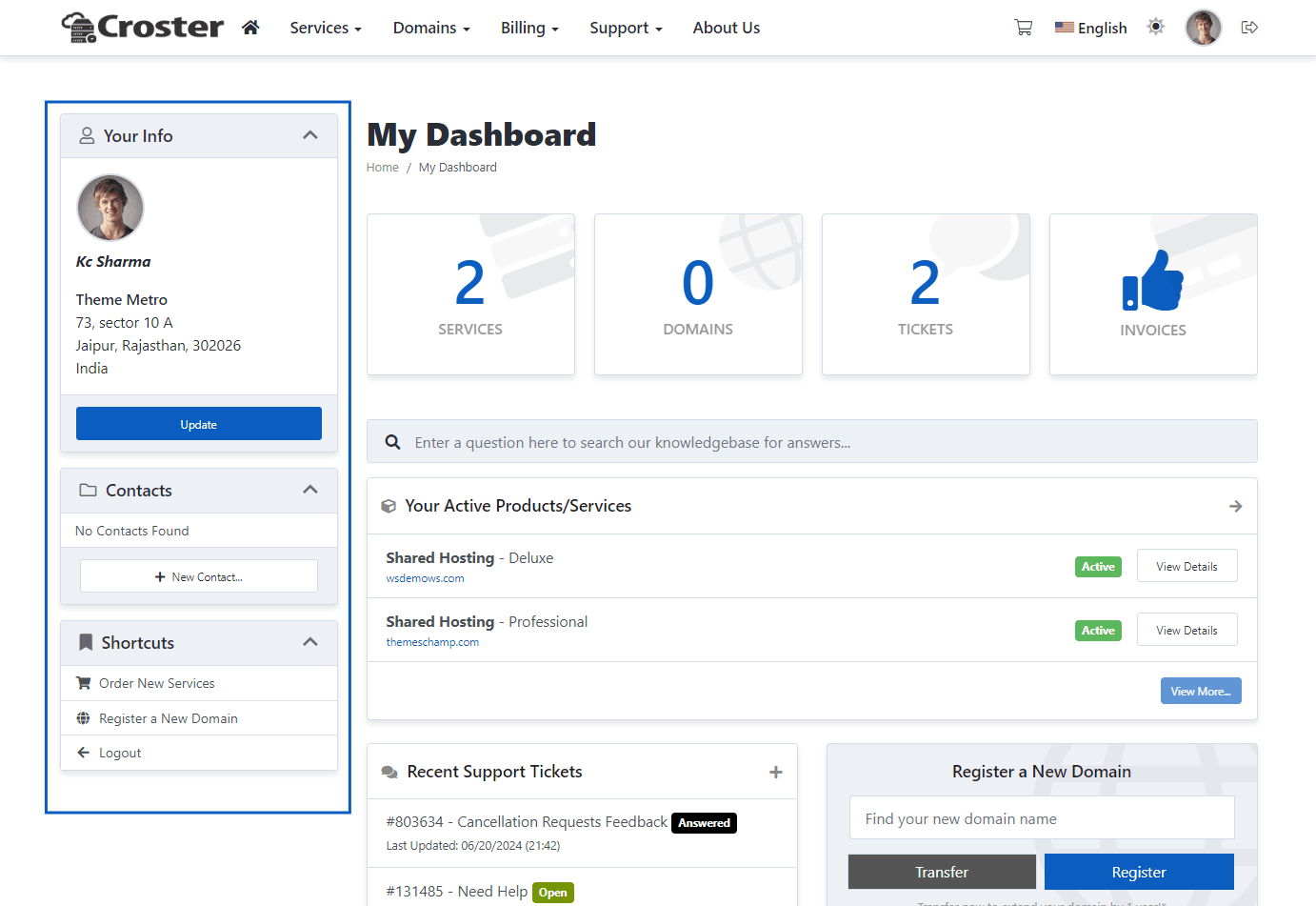
There are three types of sidebars included: 'Default', 'Boxed', and 'Original'. You can choose according to your preference.

Default
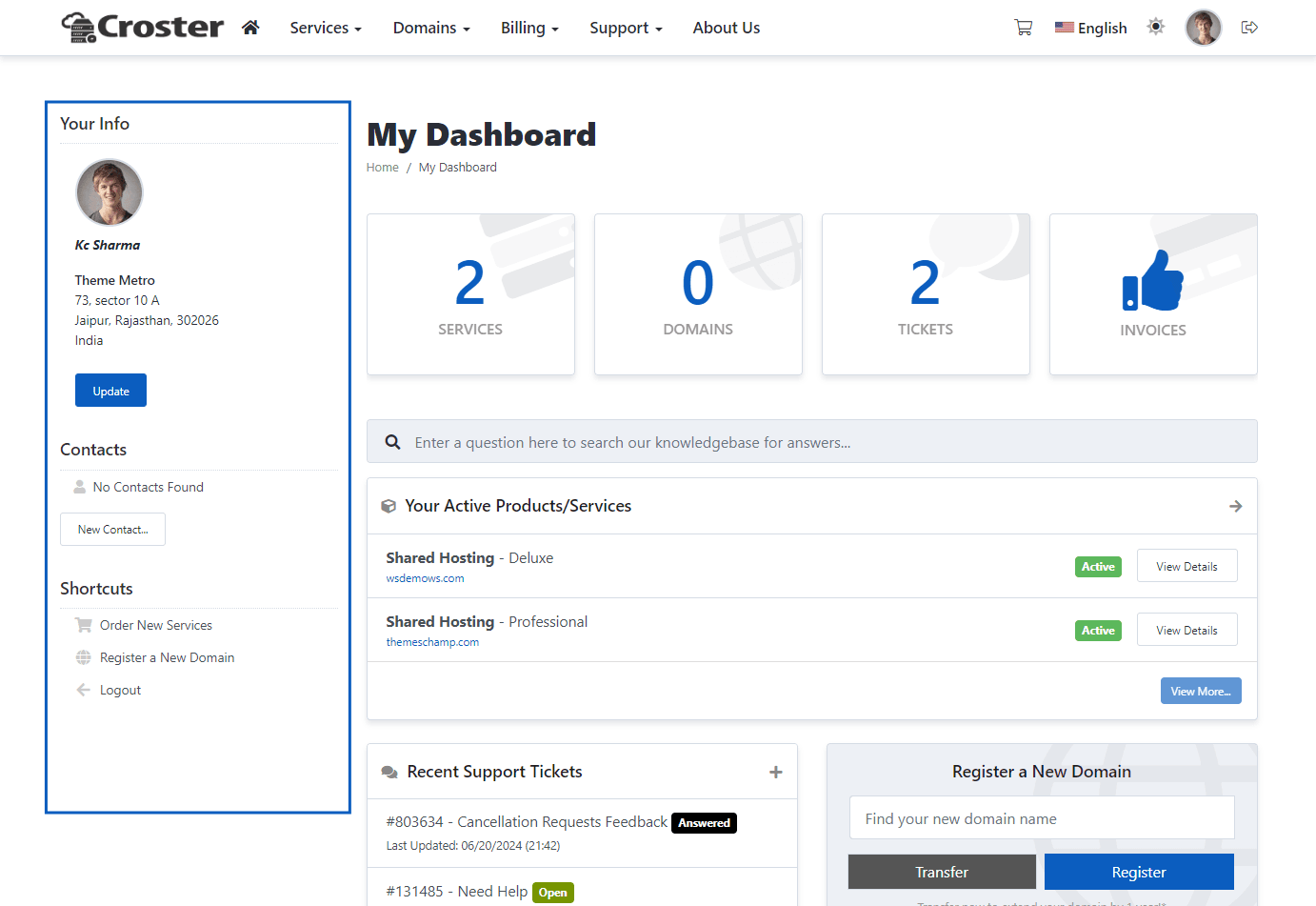
Boxed
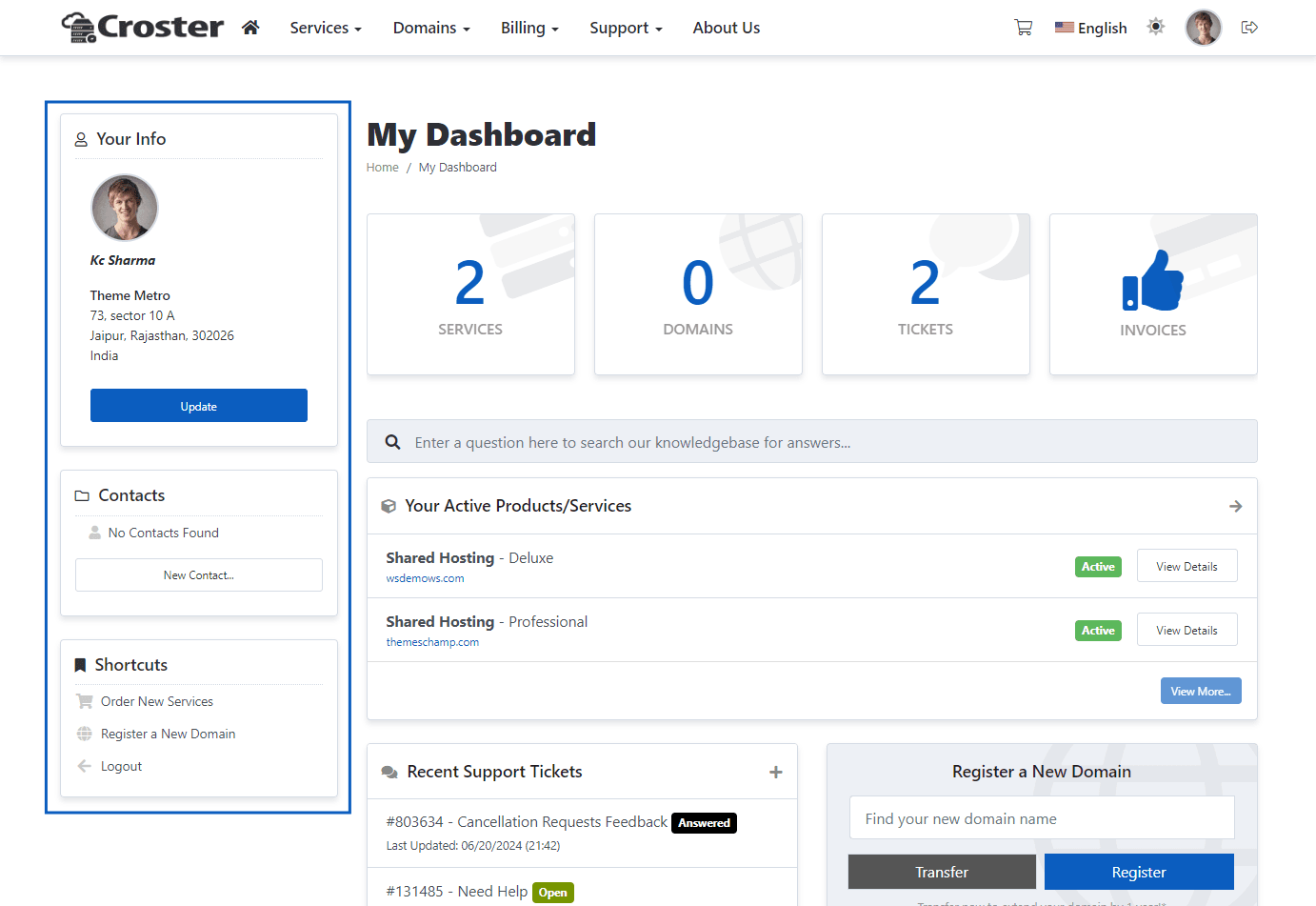
Original (WHMCS Default)

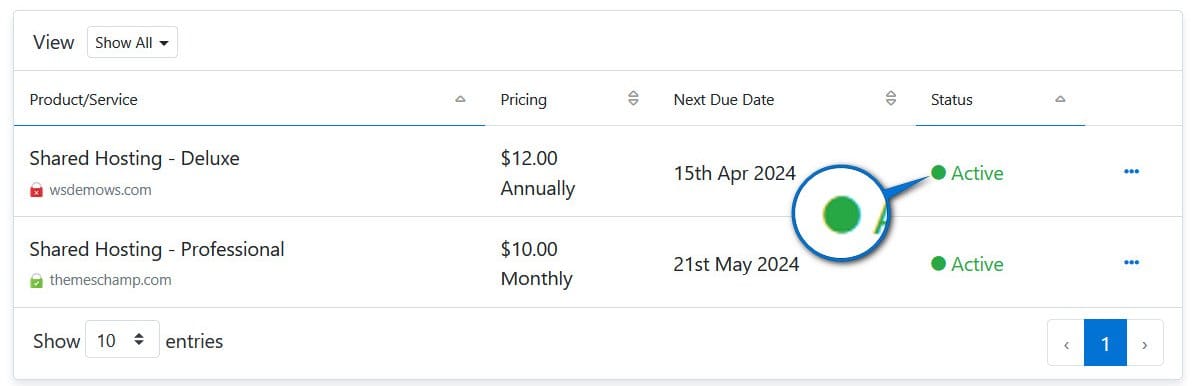
When enabled, status icons will be replaced with status dots in all data tables, as shown in the screen below.
This feature enhances the speed and responsiveness of your client area by dynamically loading data tables using AJAX. This means data for items like domains, tickets, invoices, or any other services is only loaded as needed.
Consider you have 2000 domains listed in the client area. Typically, loading such a table could take 20-60 seconds because WHMCS loads all data simultaneously. However, with the "Enable Dynamic AJAX Loading for Data Tables" feature activated, only the first 10 domains are initially loaded, reducing the load time to less than 1 second.
This improvement not only speeds up the interface but also makes it more responsive, especially when handling large datasets. Actions like filtering domain names, sorting ticket entries, or searching for specific invoices become smoother as the data updates dynamically without needing to reload the entire page.

This option allows you to define the table cache duration. By default, the cache duration is set to 2 hours. You may choose from One Day, One Week, Two Weeks, One Month, or One Year based on your preference.