Dashboard
You can disable the sidebar from the Dashboard by using the option below:

Once you enable this option, the Dashboard will appear as shown in the screens below.
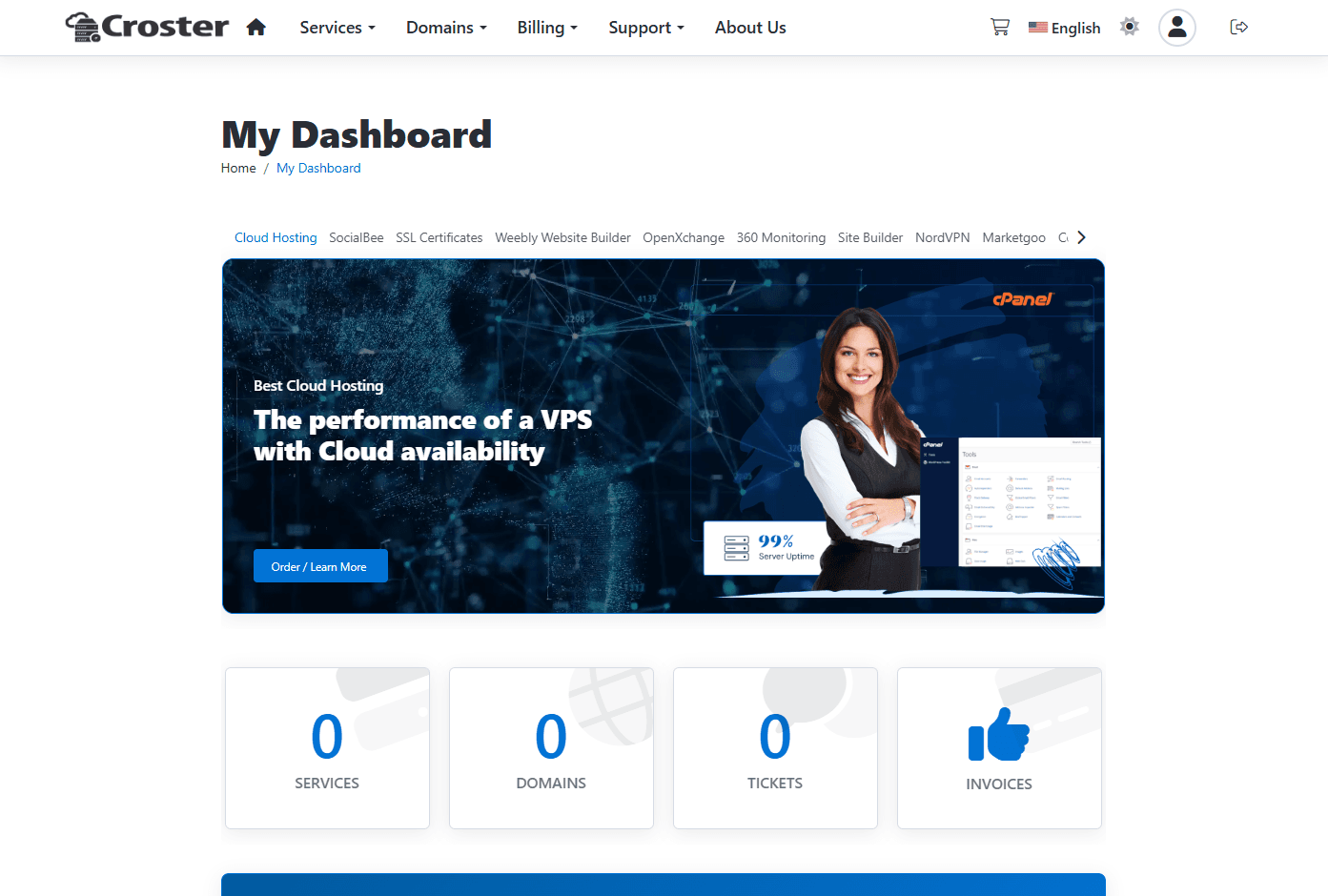
When enabled, the knowledgebase search form will be hidden from the dashboard.

The effect before applying this setting.
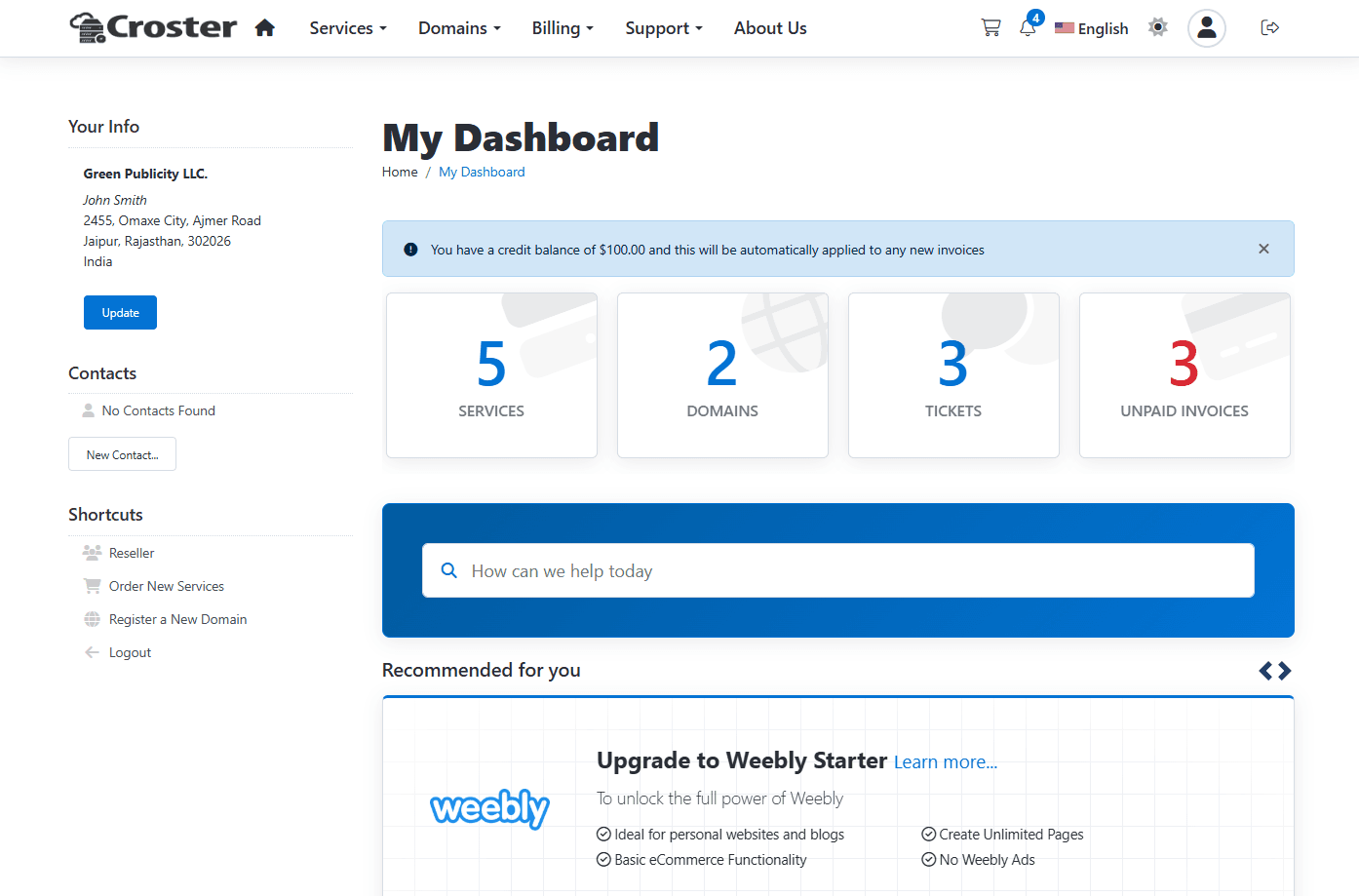
The effect after enabling this option - knowledgebase search will be removed from dashboard.
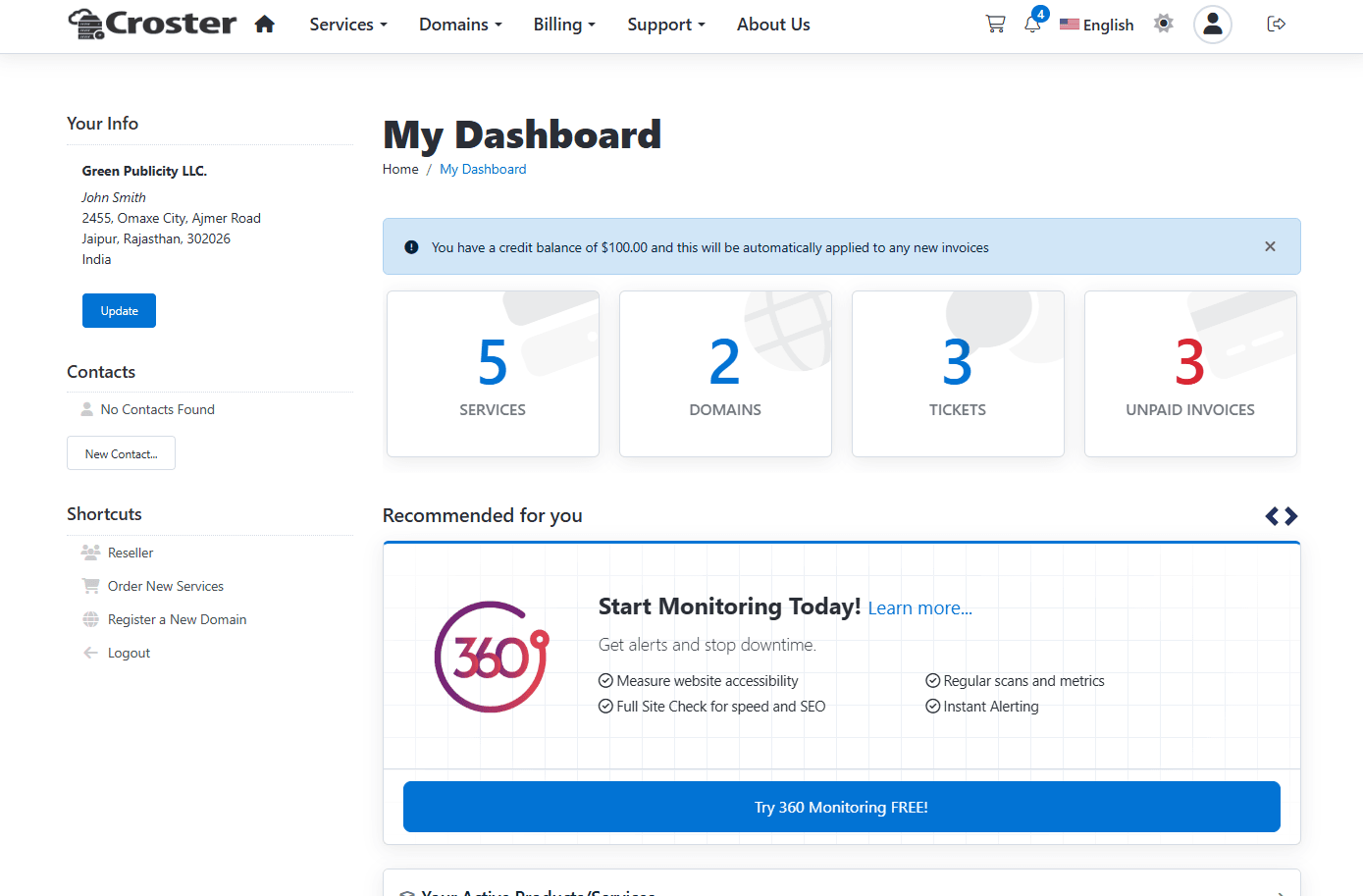
This option is allow to disable the default 'warning' panels generated by WHMCS for overdue invoices, expiring domains/services, and active alerts at the top of the page.
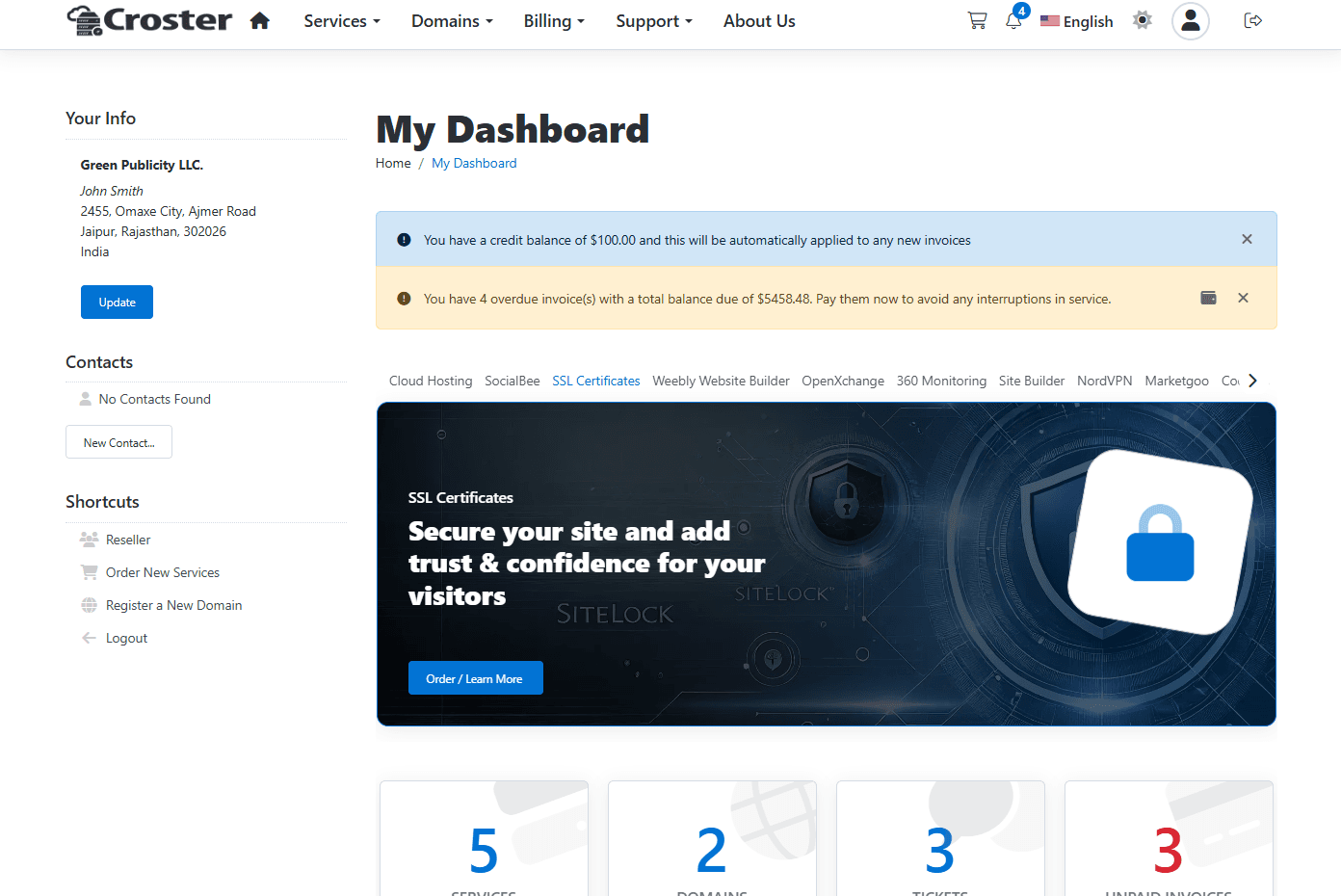
Show Alert Buttons
When enabled, icon buttons will be replaced by full buttons in warning alerts.

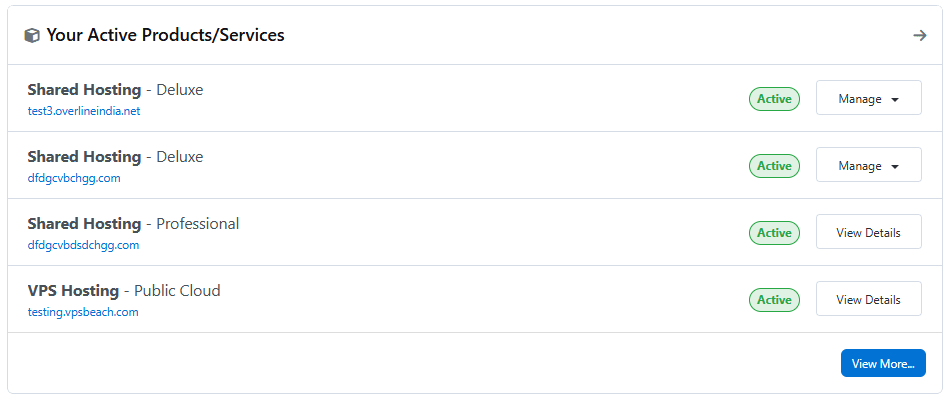
You can disable the Product Group name and the “Expiring In” / “Expired” labels from the Active Products/Services panel using the options below.

The effect before applying this setting.
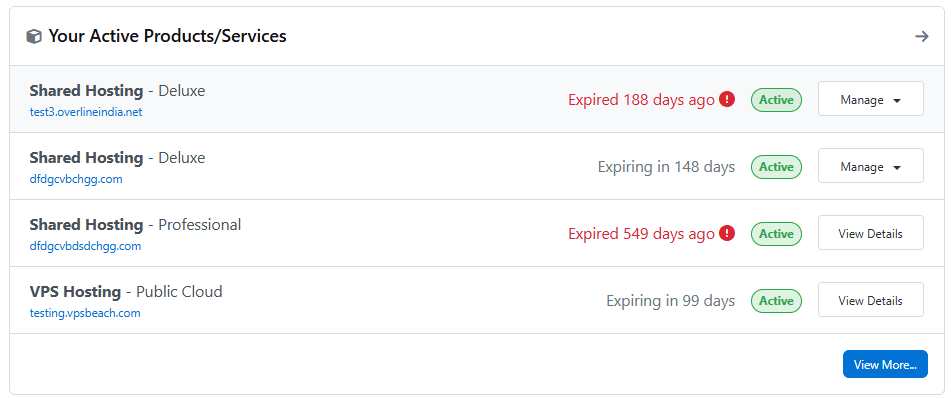
The effect after enabling this option - product group name is being removed.
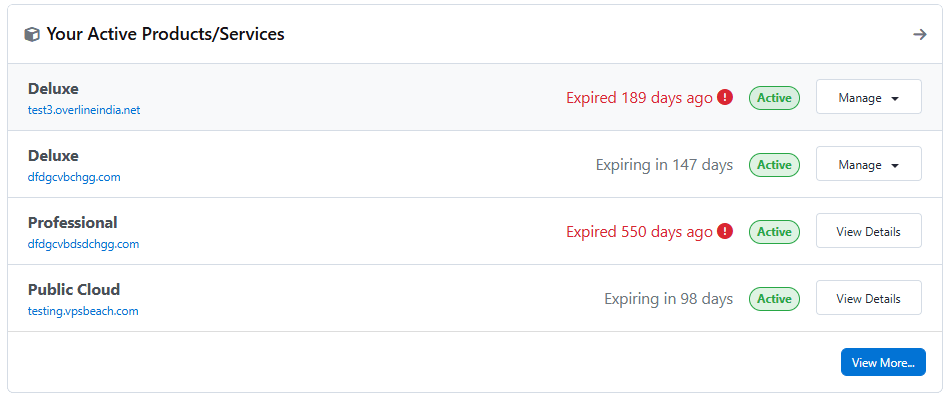
Option to show/hide "Expiring..." label in "Your Active Products/Services" panel.

The effect before applying this setting.
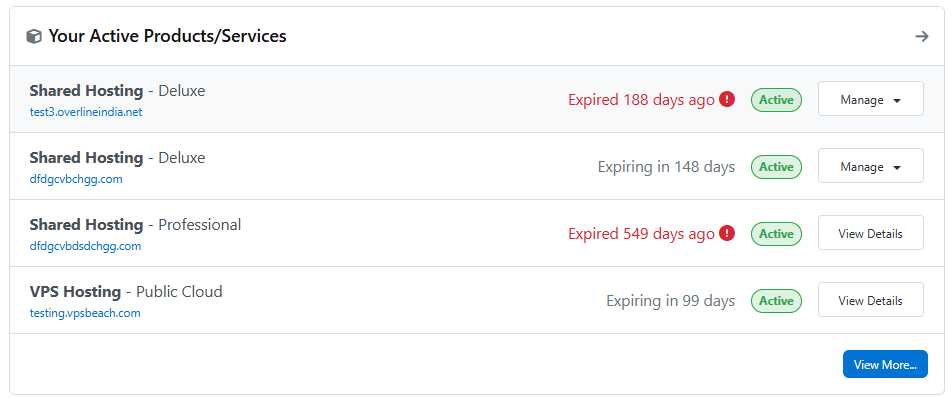
After enabling this option, the "Expiring..." label will be removed from the "Your Active Products/Services" panel.