
Section News & Articles
The News & Articles Section allows you to display recent WHMCS announcements or blog posts within your pages. Articles can be loaded automatically from the built-in WHMCS Announcements system or from the Croster Blogs addon when installed and enabled.
For a live example of the News & Articles Section, please visit the demo website.
The Article Settings section provides options to control how articles are displayed within the section.
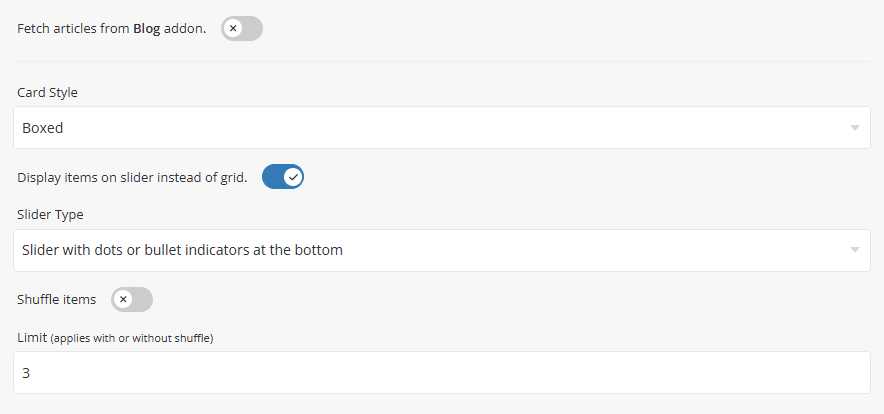
When enabled, articles will be loaded automatically from the Croster Blogs addon. When disabled, the section will display recent WHMCS announcements instead.
Requirements:
- The Croster Blog addon must be installed and active.
- At least one published blog post or announcement must be available.
When disabled, It will show WHMCS announcements.
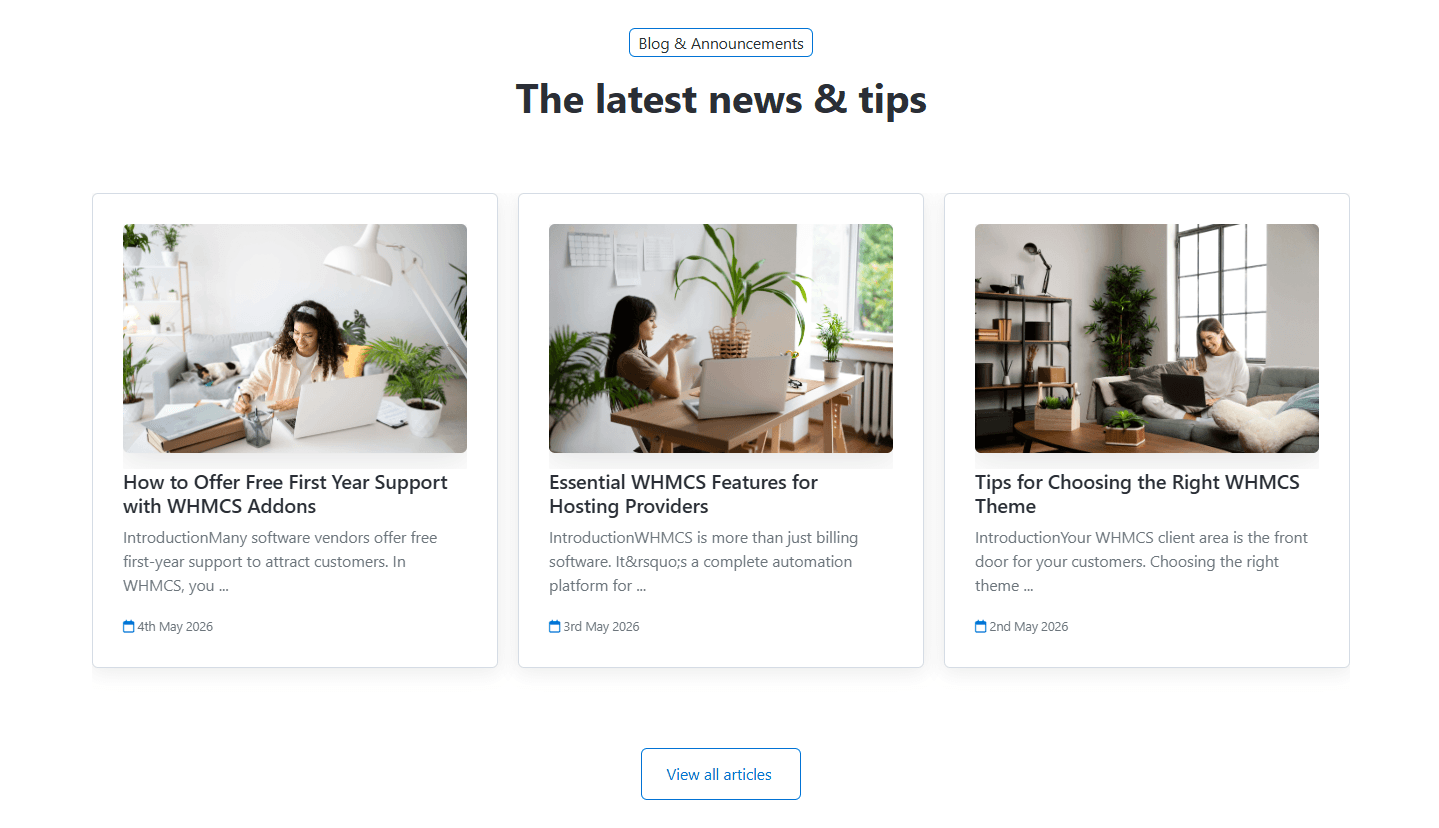
Preview - Articles from Croster Blogs addon.
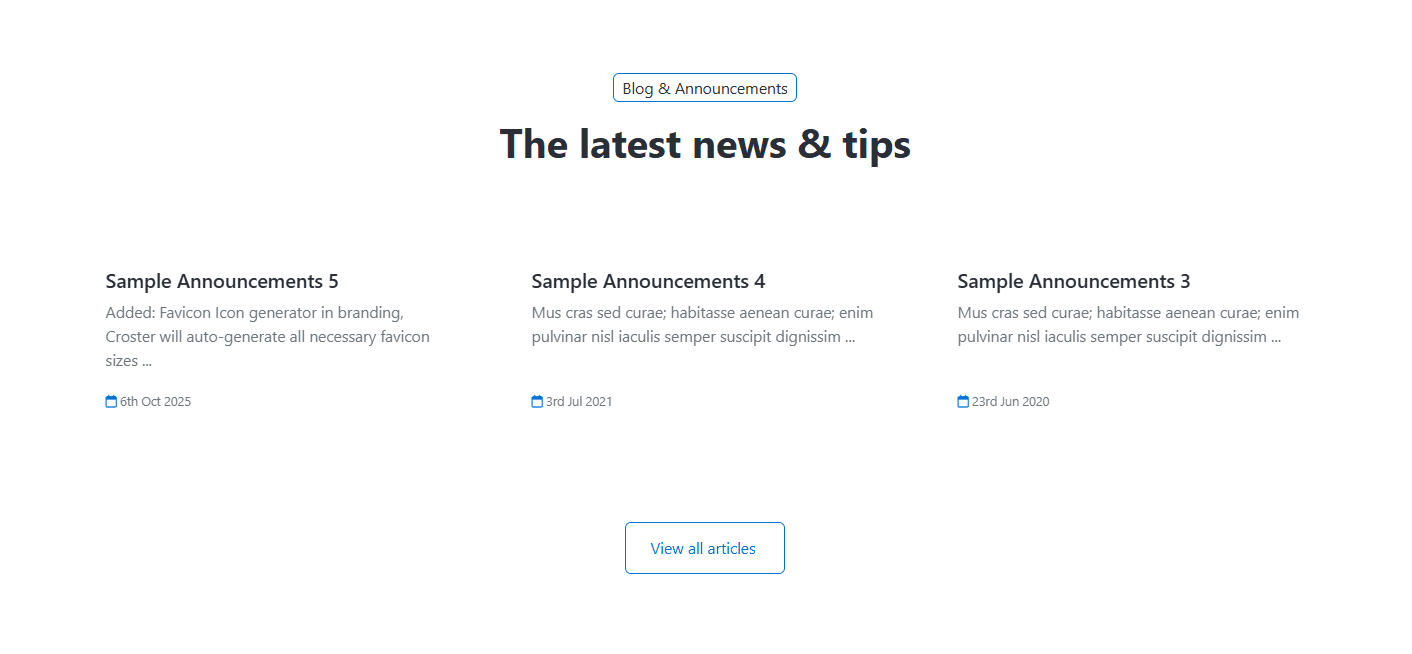
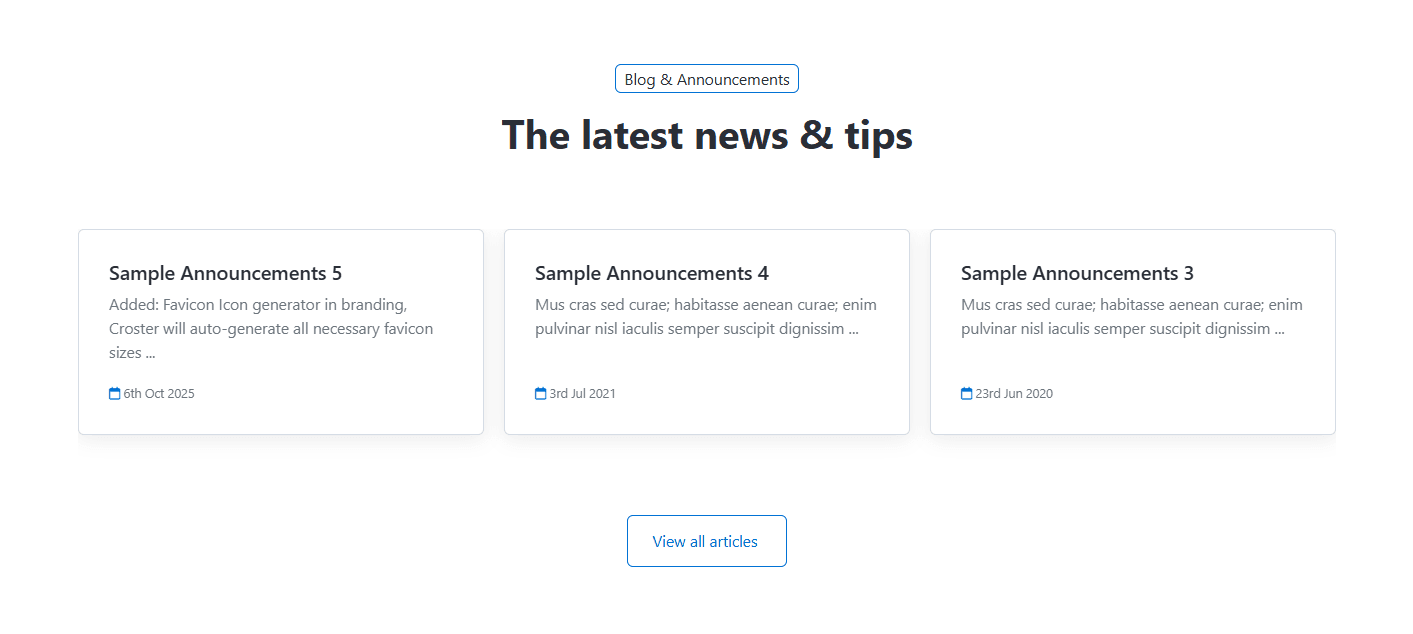
Select the visual style used to display article cards within the section. Available options are Default, Boxed, and Bordered.
Preview - Default
Preview - Boxed
Preview - Bordered
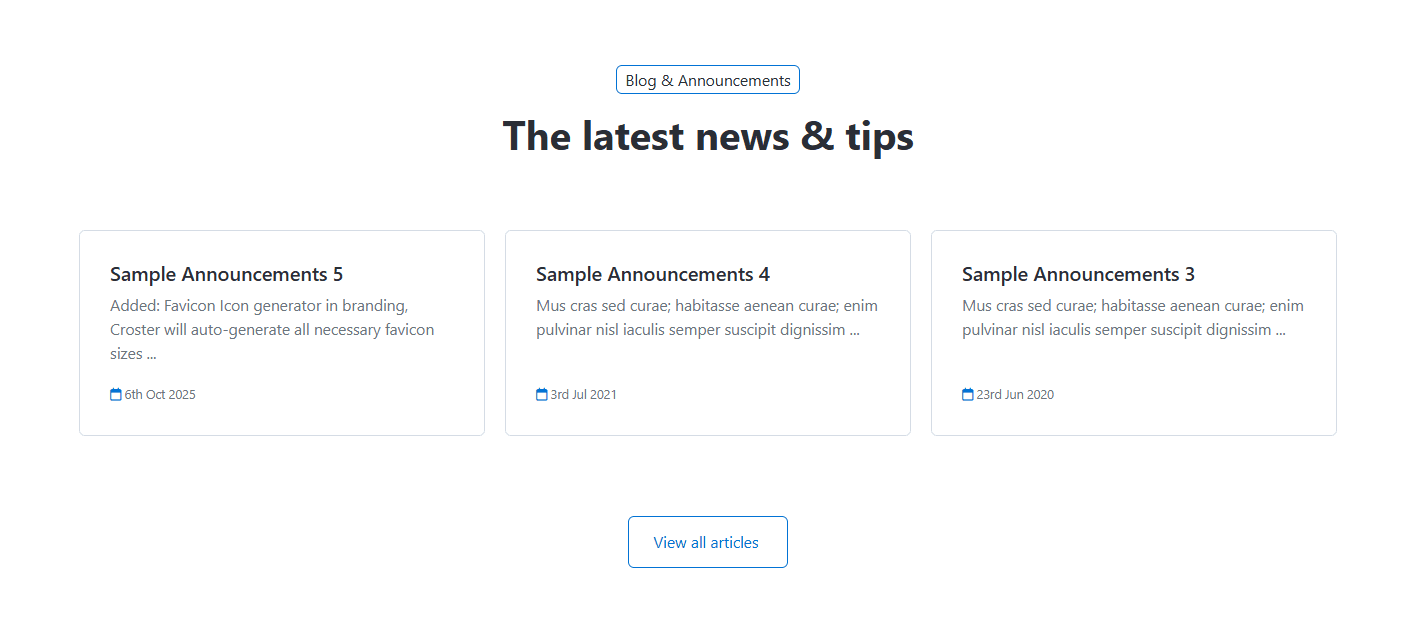
- Display Items as Slider - Enable this option to display articles in a slider layout instead of a grid layout.
- Slider Type - Select the slider navigation style used when the grid layout is disabled.
- Shuffle items - When enabled, articles are displayed in a random order each time the page is loaded. The section will display only the number of articles specified in the Limit field.
- Limit - Specify the maximum number of articles displayed within the section. This setting applies whether Shuffle Items is enabled or disabled.
How Shuffle Items Works
When enabled, Croster randomly selects and displays articles each time the page is loaded. This helps expose visitors to different blog posts and announcements instead of always showing the same articles first.
The number of articles displayed is controlled by the Limit setting.
When the same News & Articles section is used across multiple pages, enabling Shuffle Items can help reduce repetition by displaying different articles on different pages.
For information about configuring other common options, such as Section Description, Section Styles, and Section Action, please refer to the Common Settings documentation.