
Section Banner Domain
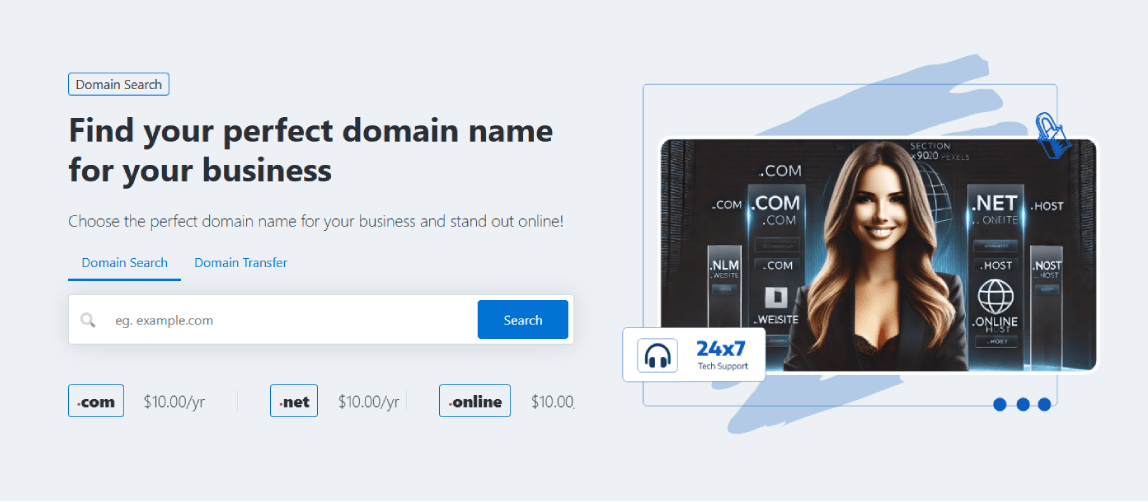
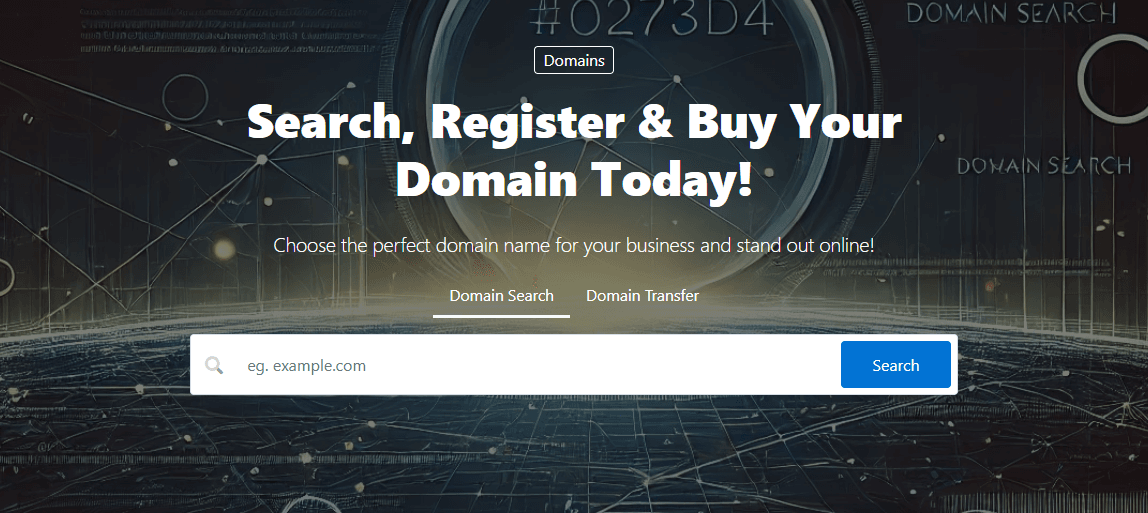
From the below option, you can select the desired banner type from the options below:

Type 1 - Two-column banner with left or right-aligned graphics.
Type 2 - Centered single column without graphics.
Type 3 - Compact without background or graphics.

Select the type of domain form to display within the section. The selected option determines whether visitors can search for new domains, transfer existing domains, or perform both actions from a single form.

Available Options
- Domain Search – Displays a form that allows visitors to search for and register new domain names.
- Domain Transfer – Displays a form that allows visitors to transfer an existing domain to your service.
- Domain Search & Transfer – Displays a combined form that allows visitors to search for new domains and transfer existing domains from the same interface.
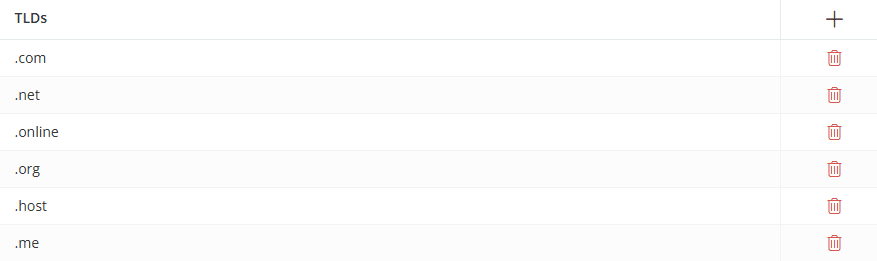
Manage the TLDs displayed within the domain section. The selected TLDs are displayed to visitors and can be used to highlight popular domain extensions.
Click the [+] icon to open the TLD Selection dialog and add one or more TLDs to the section. Use the Delete icon to remove a TLD from the list.
Enable this option to use an AI-powered search input for domain searches. This feature requires the WHMCS Namespinning WHOIS Provider and allows visitors to search using keywords instead of exact domain names.

For the remaining options, please refer to the Common Settings.
To see the available banner domain layouts and configurations, visit the demo website.