
Order Forms
It is ideal if you don't have too many configurable options or addons. However, it does not support product bundles or multiple quantities. When activated, all order links will redirect to this.

When activated, some advanced options will appear for configuring this.

By default, only the product name is displayed. When this option is enabled, product descriptions will appear in the order form instead of the product names.
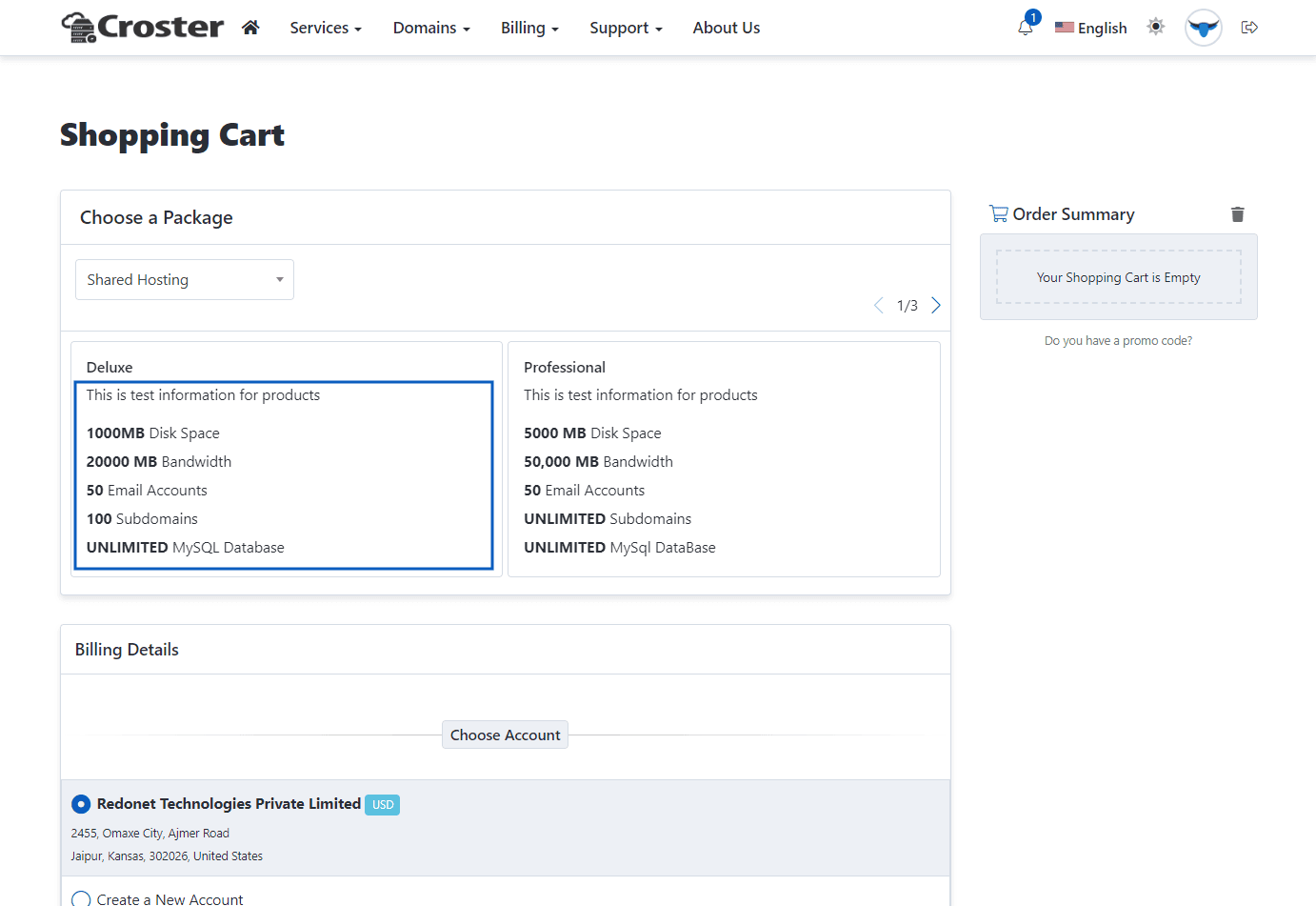
Enable below option, if you want to hide theme header and footer for this order form.

Enable below option, if you want hide only footer for this order form.

Enable below option, if you want hide theme header & footer including side menu (in Left Layout) also.

Enable this option if you want to hide the Products and Billing Cycle options when they are pre-selected in the product links, so users do not need to select them again, as shown in the example link below:

This is the Croster default order form, which is highly customized and functions like the WHMCS Standard Cart order form. The Multi-Step order form includes two types of products and domain layouts: 'Register' and 'Transfer' pages.
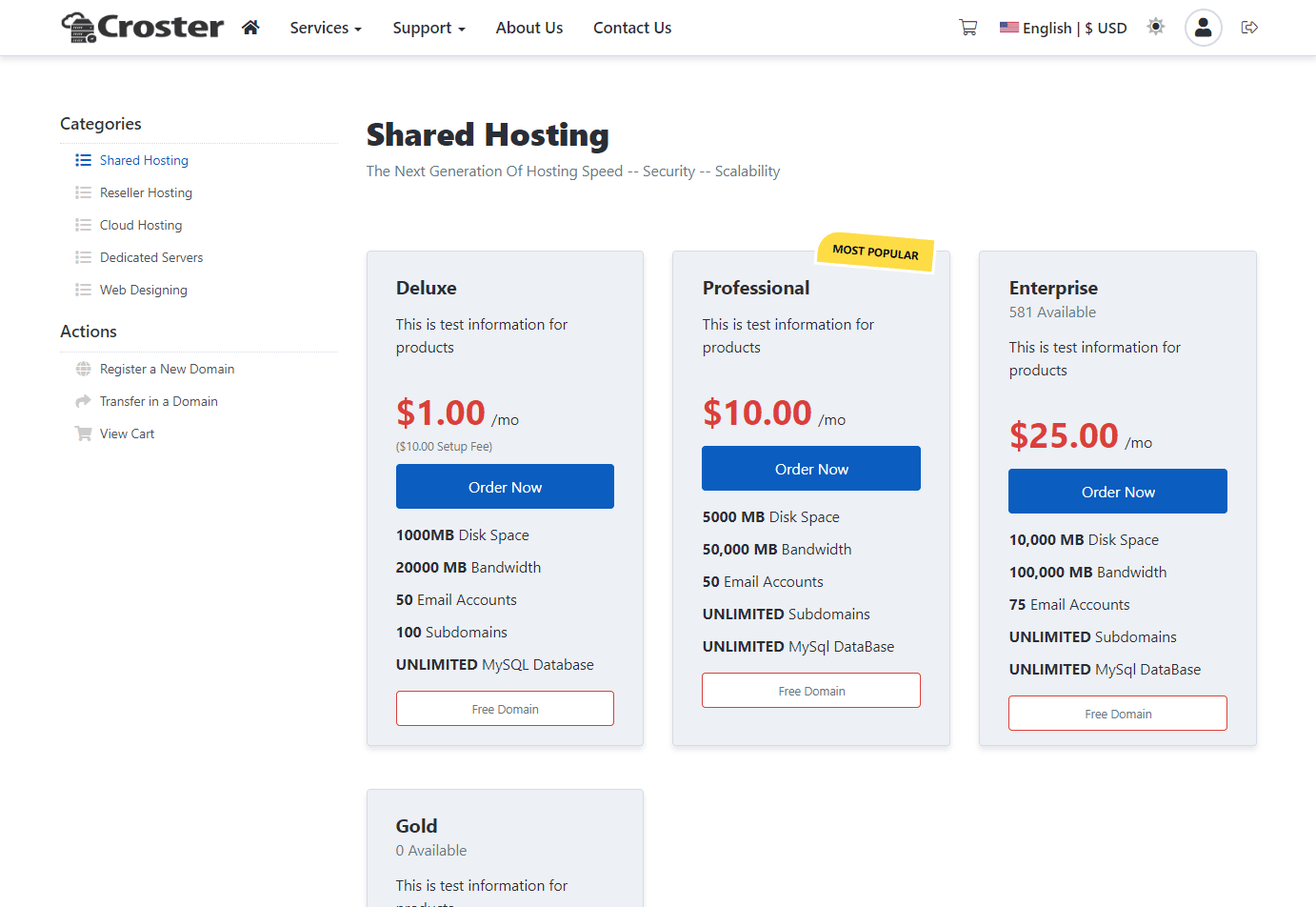
Two types of product page templates are included, which you can choose according to your preference.

Style 1
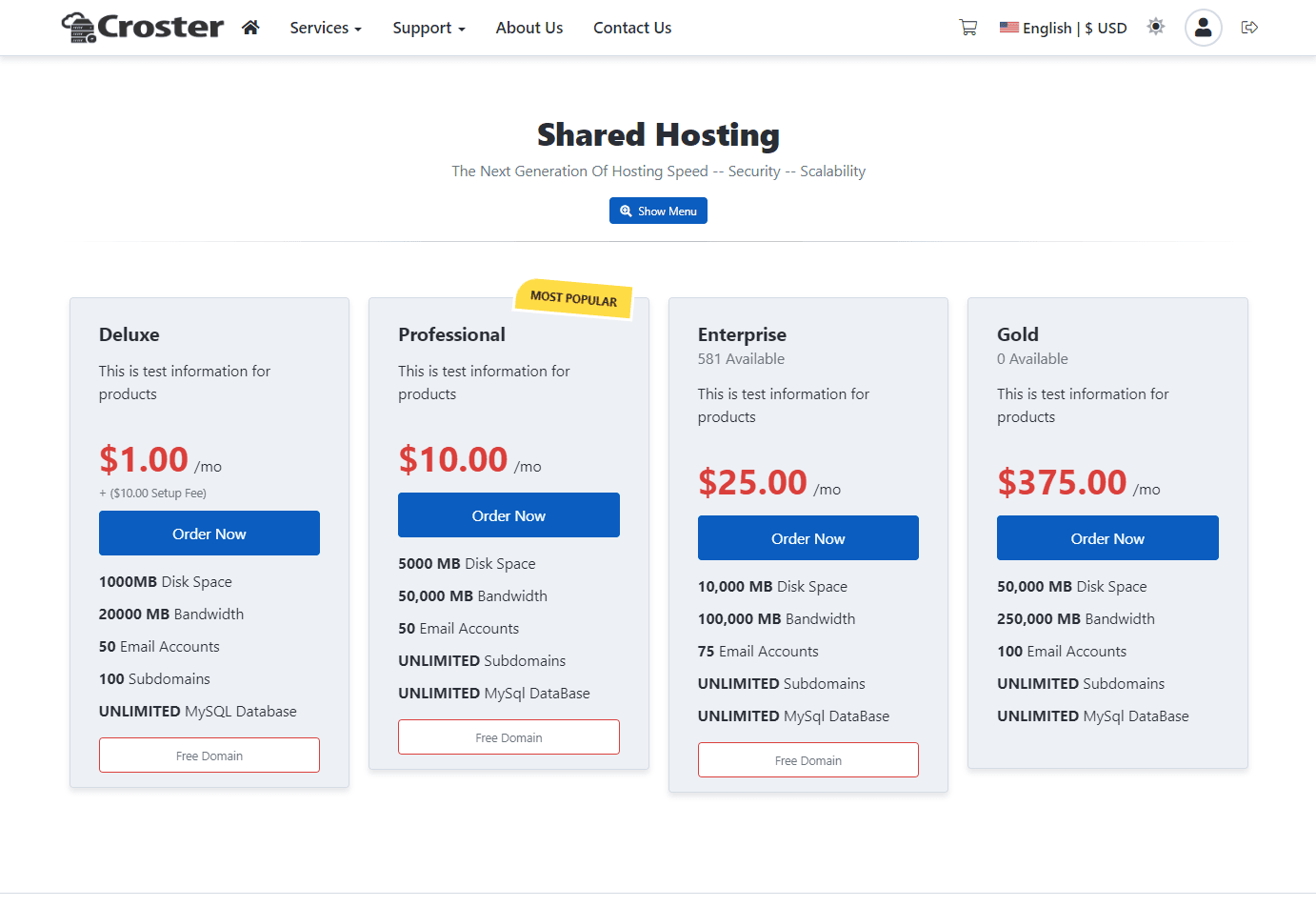
Style 2
Two types of domain 'Register' and 'Transfer' page templates are included, which you can choose according to your preference.

Default
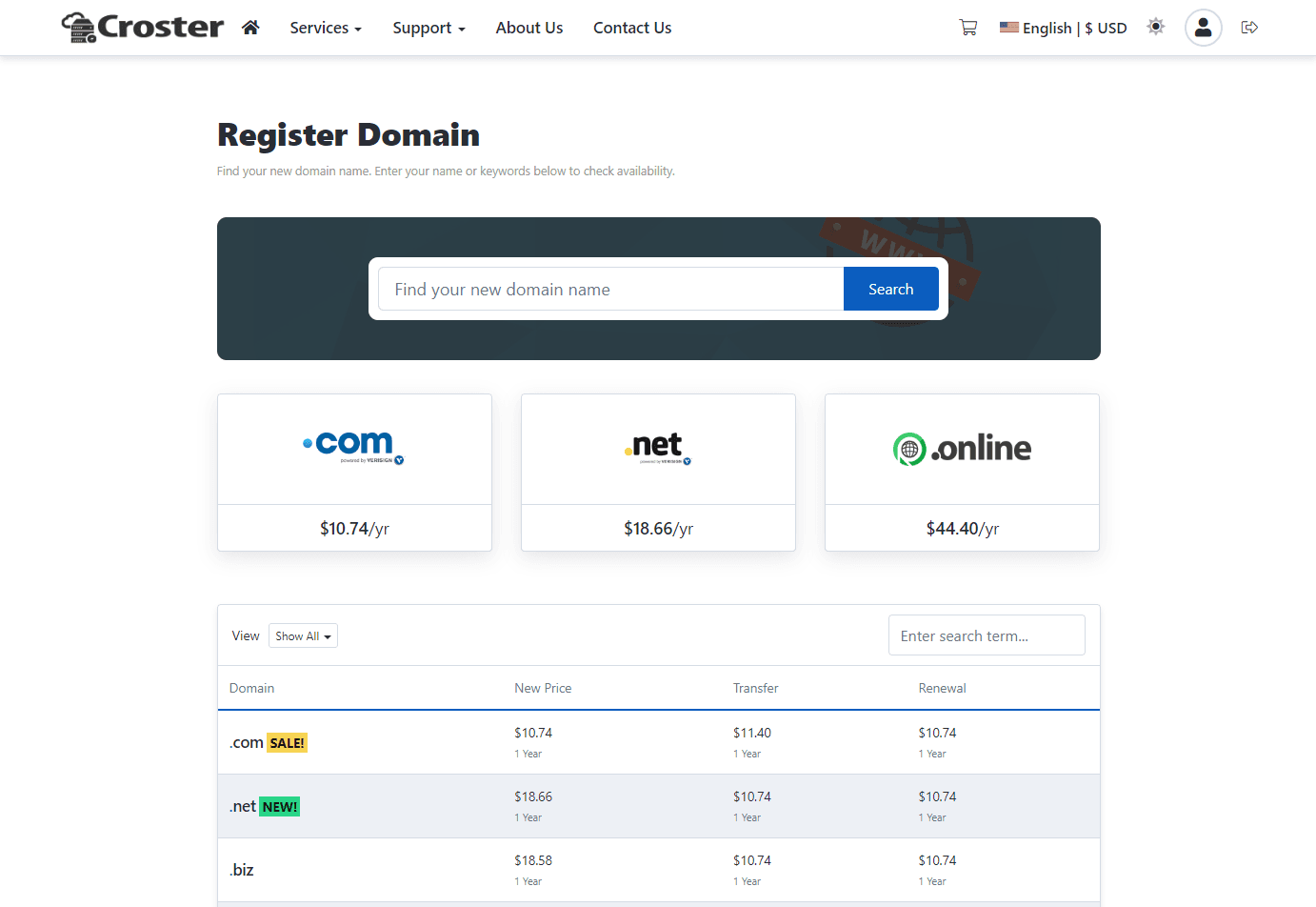
Modern
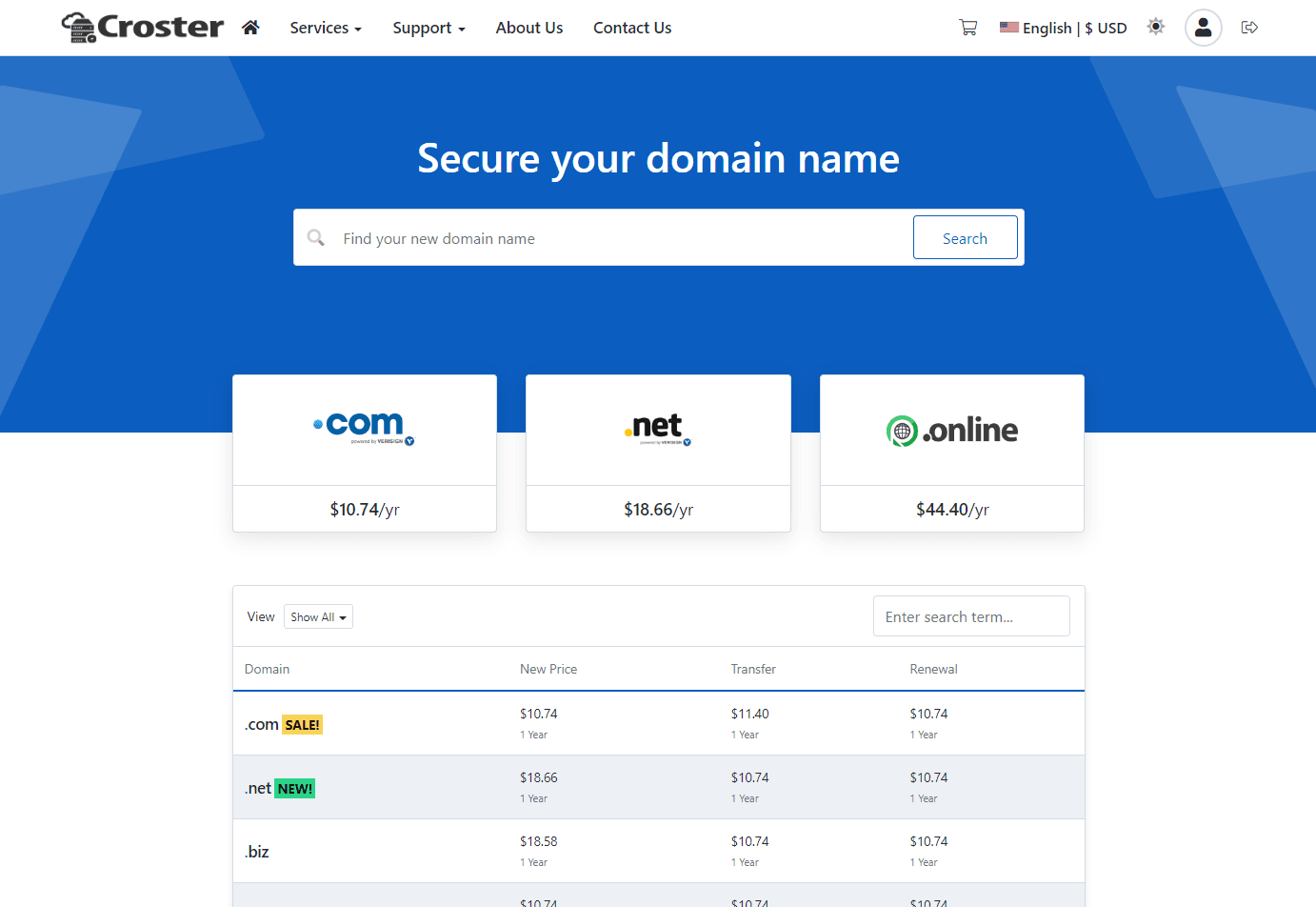
There are some more advanced options for both types of order forms.
Enable this option if you want to disable the Root Password input for Server/VPS type products.

Enable the first option if you want to disable the Name Servers input for Server/VPS type products. Enable the second option to hide the Name Servers inputs in the domain registration process as well.

Enable this option if you want to disable the coupon code option from the order forms.

The format of product descriptions within the WHMCS Admin Products and Services interface should follow the examples provided below. Adhering to this format ensures improved visibility and consistency across all sections of our WHMCS theme.
Example 1 - View a live demo showcasing the same product description in use.
Example 2 - View a live demo showcasing the same product description in use.
Example 3 - View a live demo showcasing the same product description in use.
Example 4 - View a live demo showcasing the same product description in use.
Below example, the default format of product descriptions within the WHMCS admin Product and Services interface to improve visibility across all areas of the Croster theme, including WHMCS bundled order forms.