Documentation
Client Area Settings
Domains
Domains
This option allows you to hide the sidebar on the My Domains page. Once enabled, the page will appear as shown in the screens below.
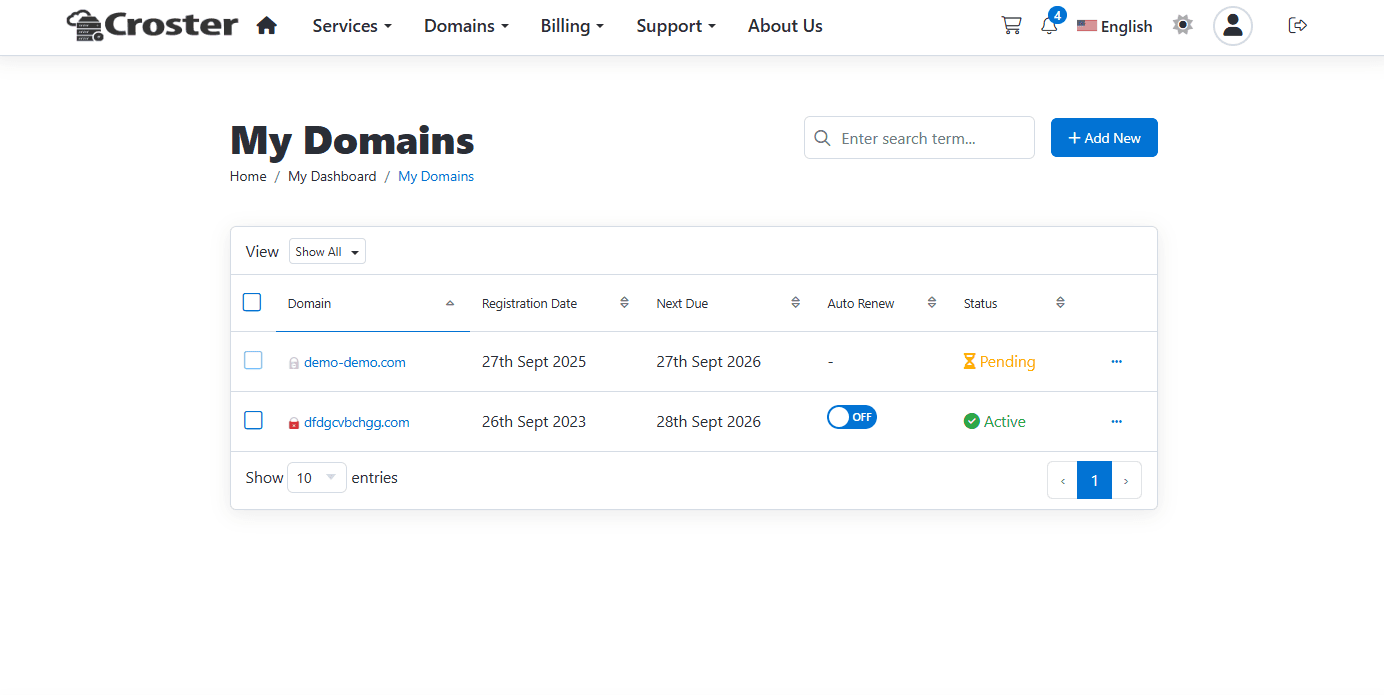
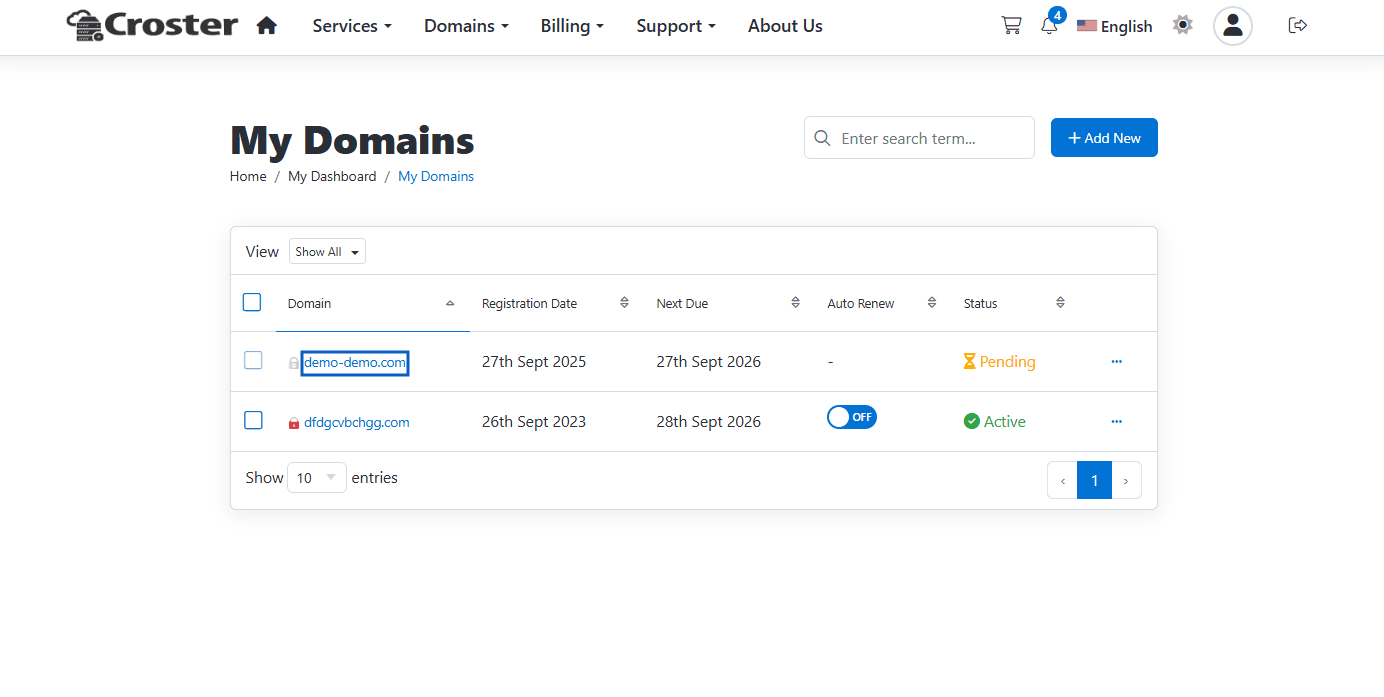
This option allows you to remove the URL from the Domains.
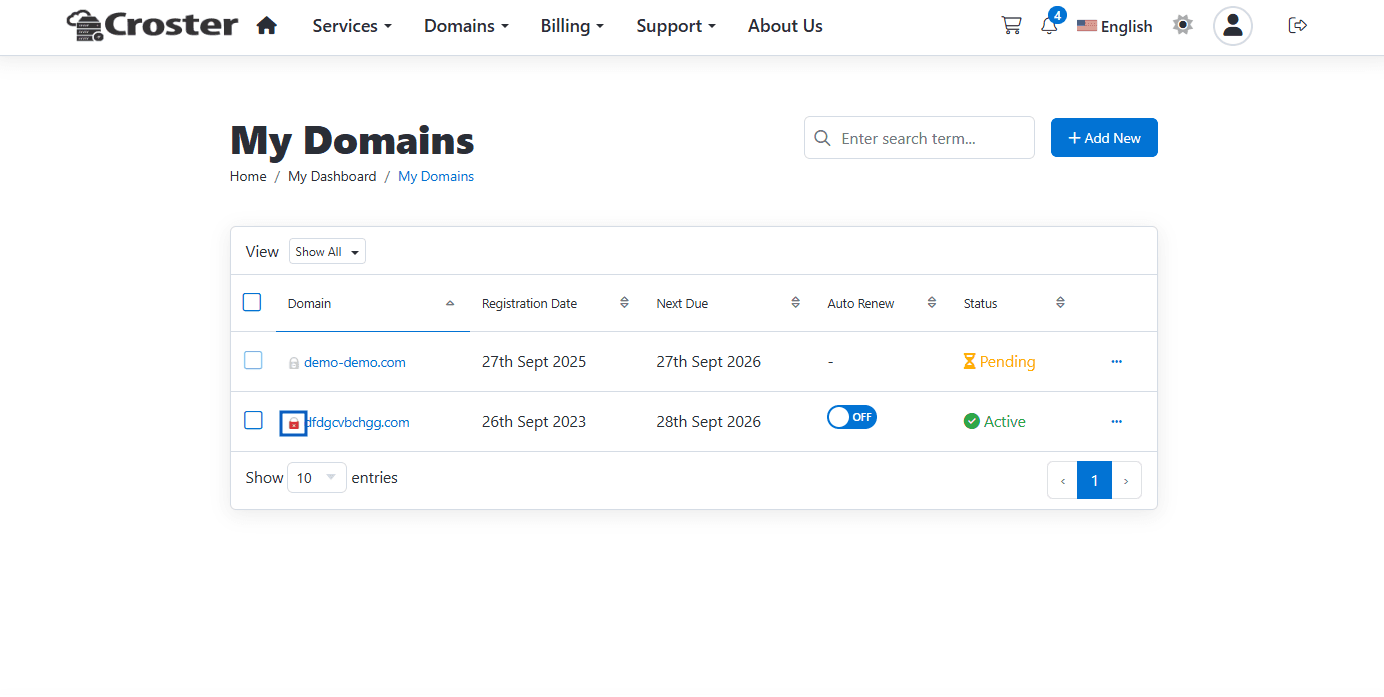
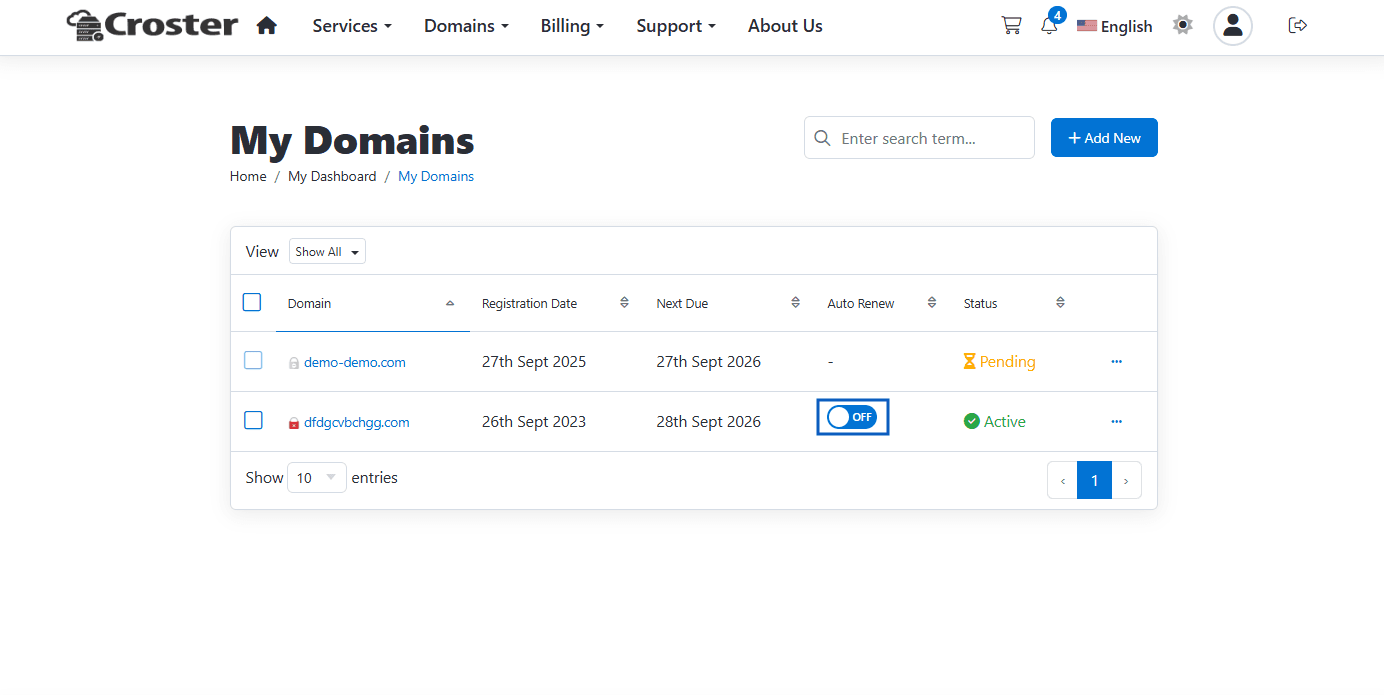
This option will hide the icon with SSL status, shown in the table next to the domain name.
This option allows you to hide the Auto Renew switch in the domain table. Once enabled, the switch will be replaced with simple Enabled / Disabled text, similar to the default WHMCS Auto Renewal Status display.
This option allows you to show/hide selected domain statuses. You can select single, or multiple statuses.


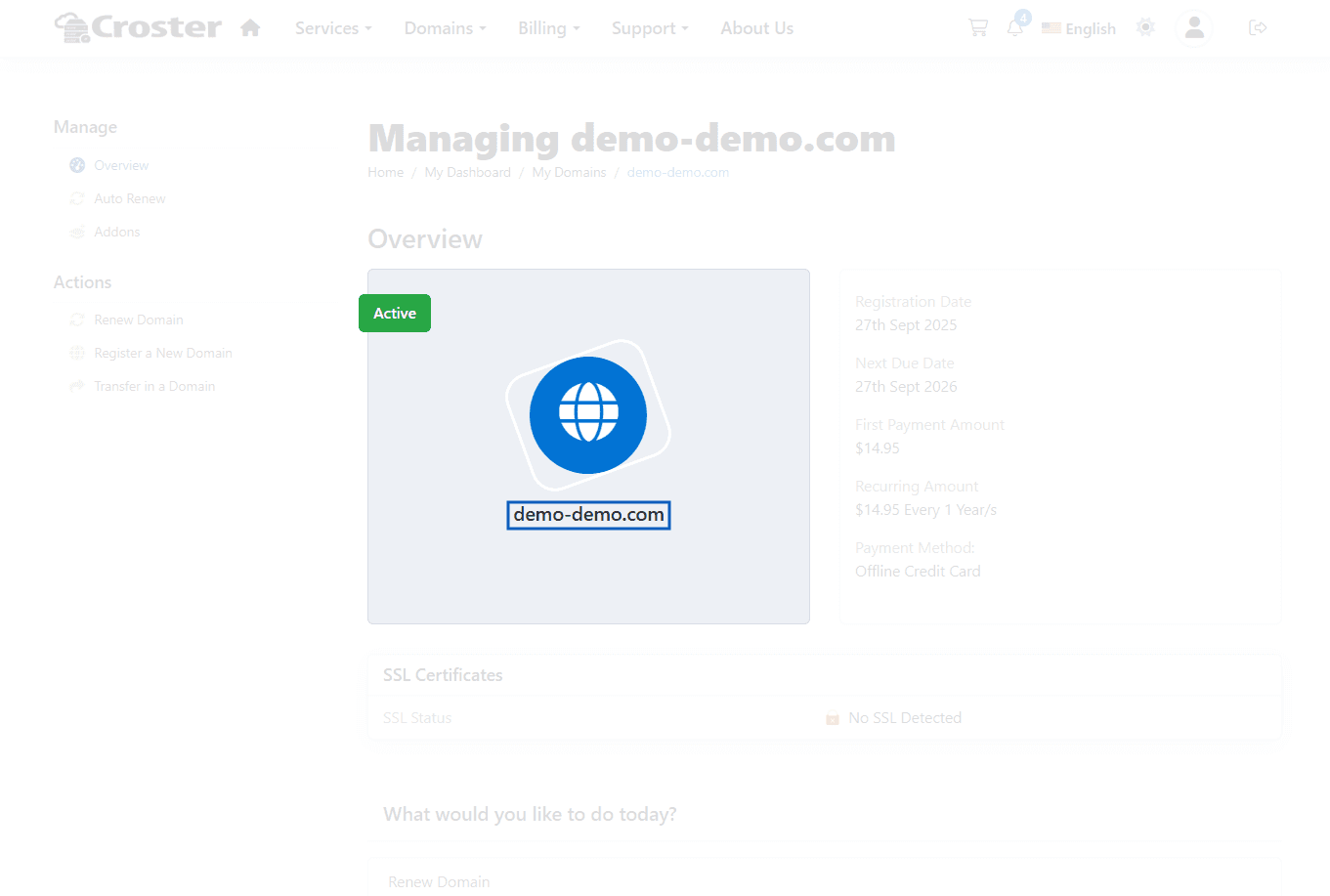
When enabled, URL from domain/host name will be removed from the primary box shown in domain detail page.