
Section FAQs
The FAQs Section allows you to display frequently asked questions and answers in an organized and user-friendly format. This section helps visitors quickly find answers to common questions, reducing support requests and improving the overall user experience.
For a live example of the TLDs Table Section, please visit the demo website.
Select the layout used to display FAQ items within the section.

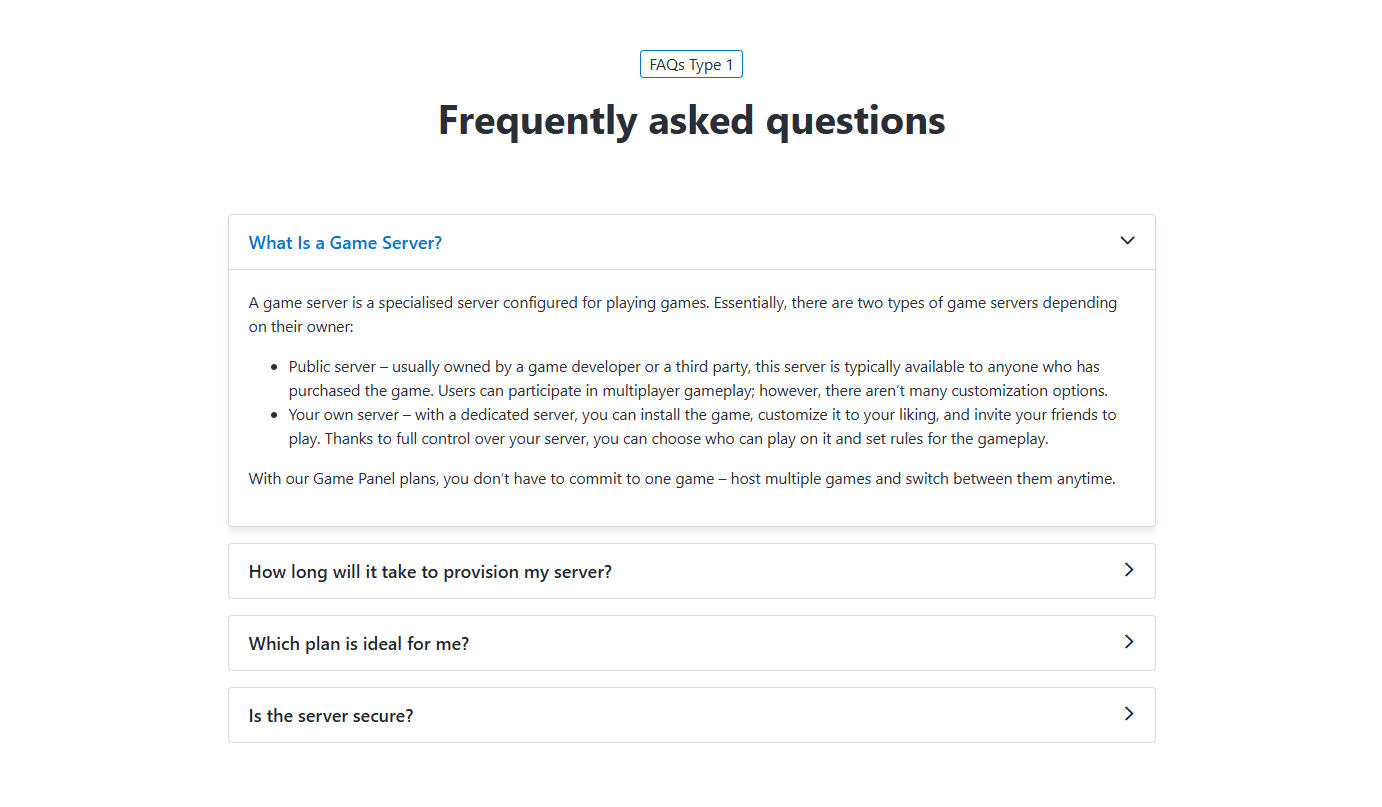
Type 1 - Displays FAQ items in a boxed accordion layout. Answers are hidden by default and expand when a question is clicked.
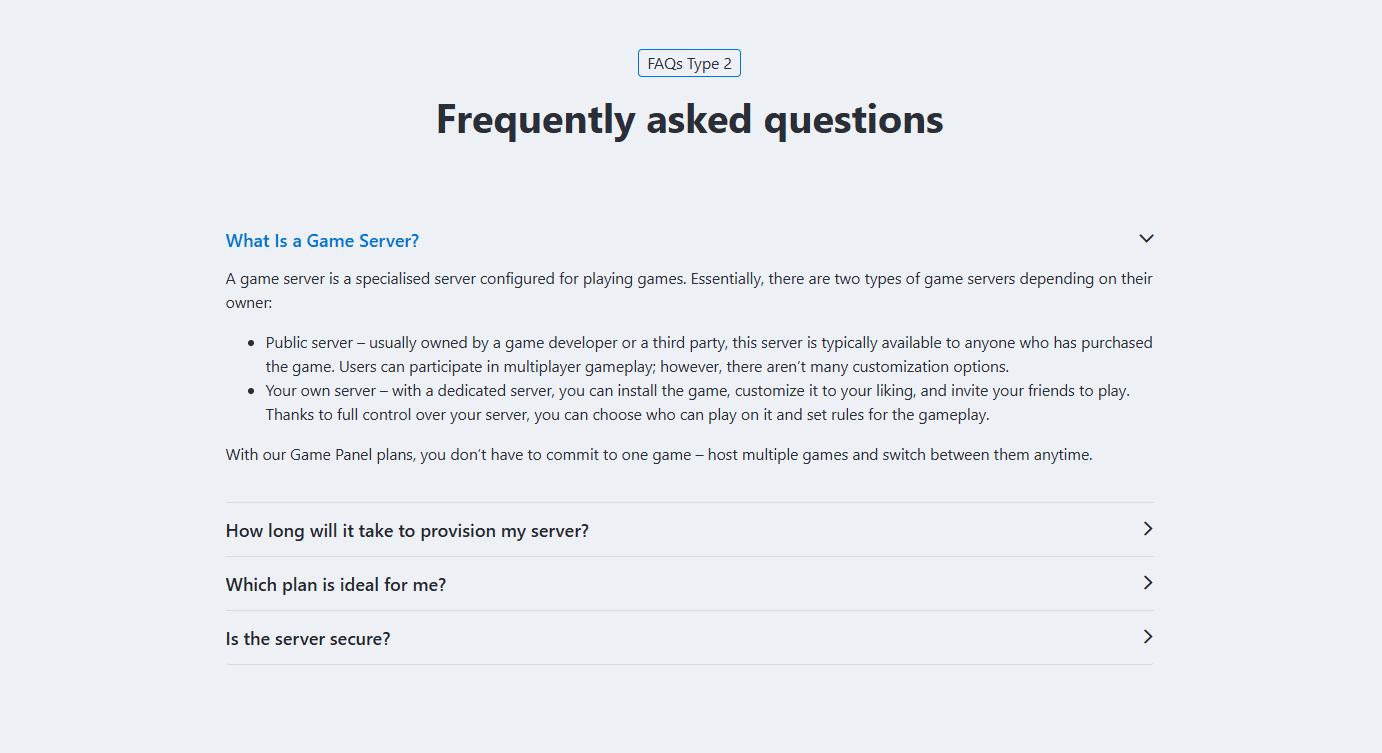
Type 2 - Displays FAQ items in a minimal accordion layout with divider lines. Answers are hidden by default and expand when a question is clicked.
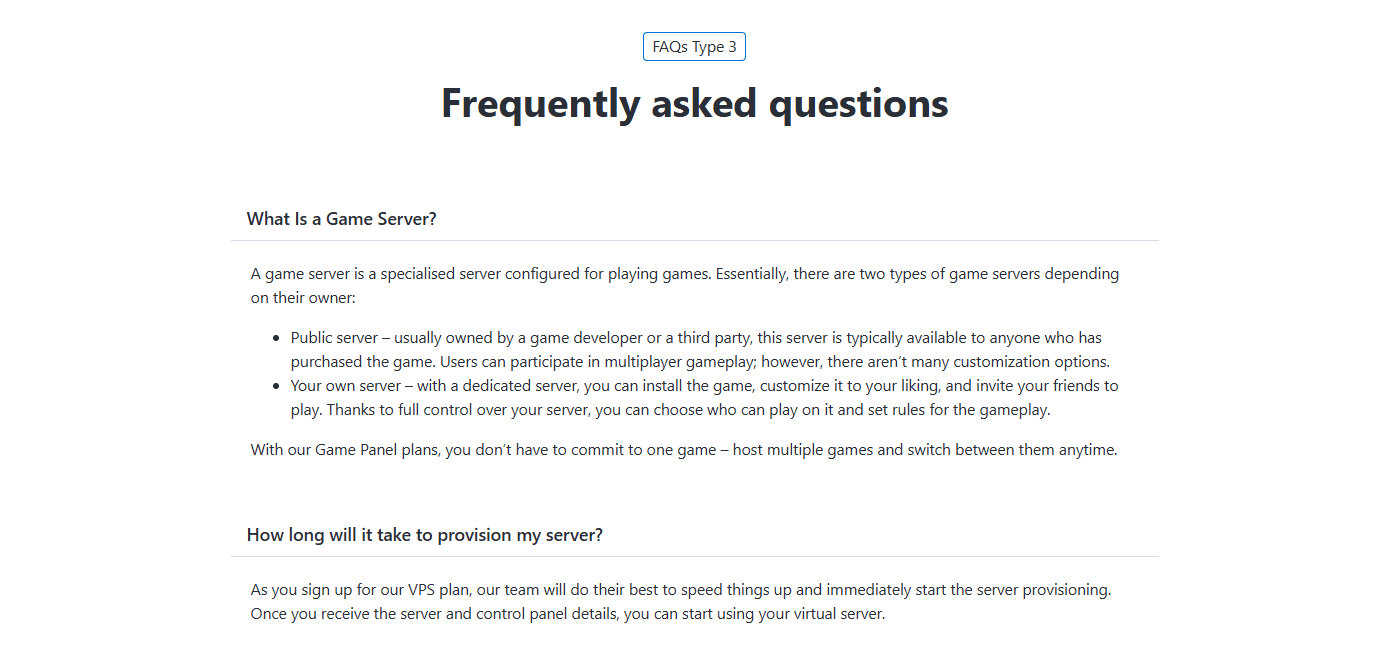
Type 3 - Displays all questions and answers in a simple list layout without accordion functionality.
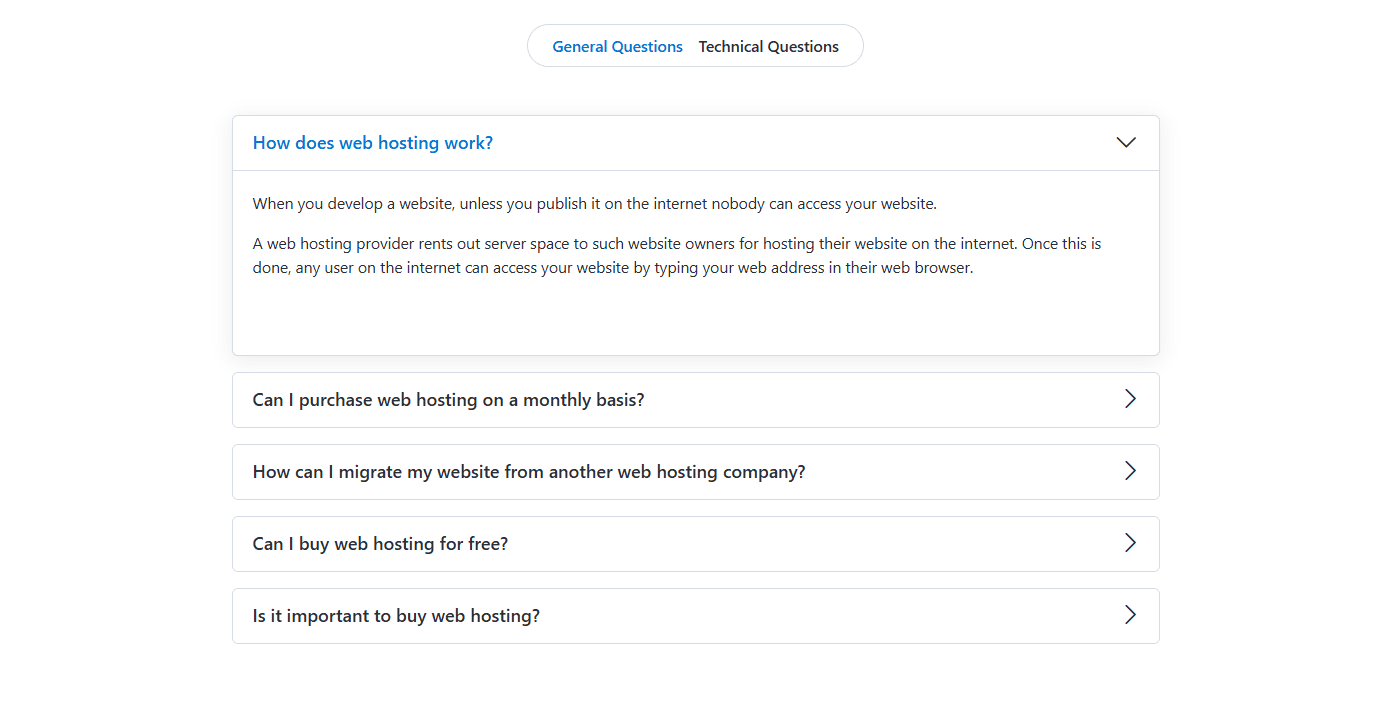
The FAQ Tabs settings allow you to organize FAQ items into multiple tabs. Each tab can contain its own set of questions and answers. These settings are identical to the section Tabs. Please refer to Common Settings Section Tabs for detailed information.
To add a new FAQ item, click the [+] icon. To remove an existing FAQ item, click the Delete icon next to the item you want to remove.
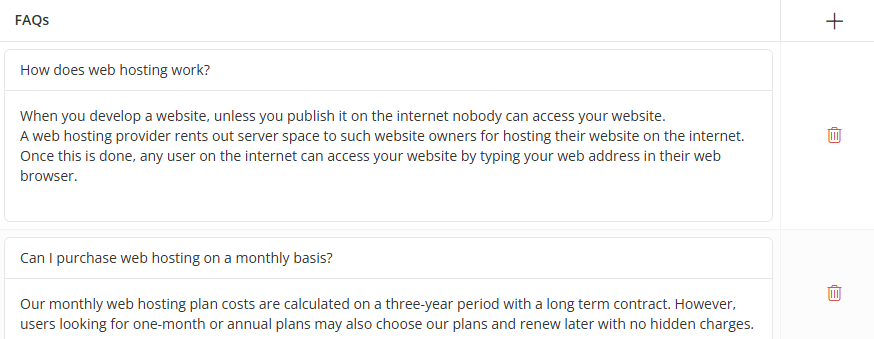
Click the [+] icon to add a new FAQ item, or click any existing row to edit it. A dialog box will open, allowing you to configure the FAQ item settings, as shown below.
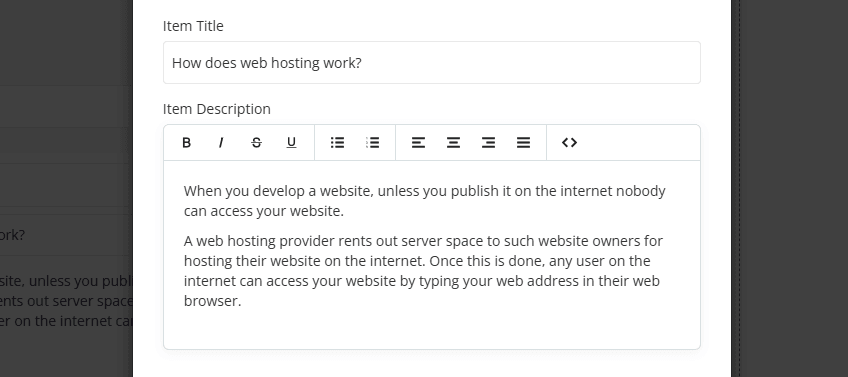
- Item Title – Enter the question displayed for the FAQ item.
- Item Description – Enter the answer displayed for the FAQ item. Basic text formatting options are available using the editor toolbar.
For information about configuring Section Description, Section Styles, and other common options, please refer to the Common Settings documentation.