Documentation
Client Area Settings
Invoice & Quote
Invoice & Quote
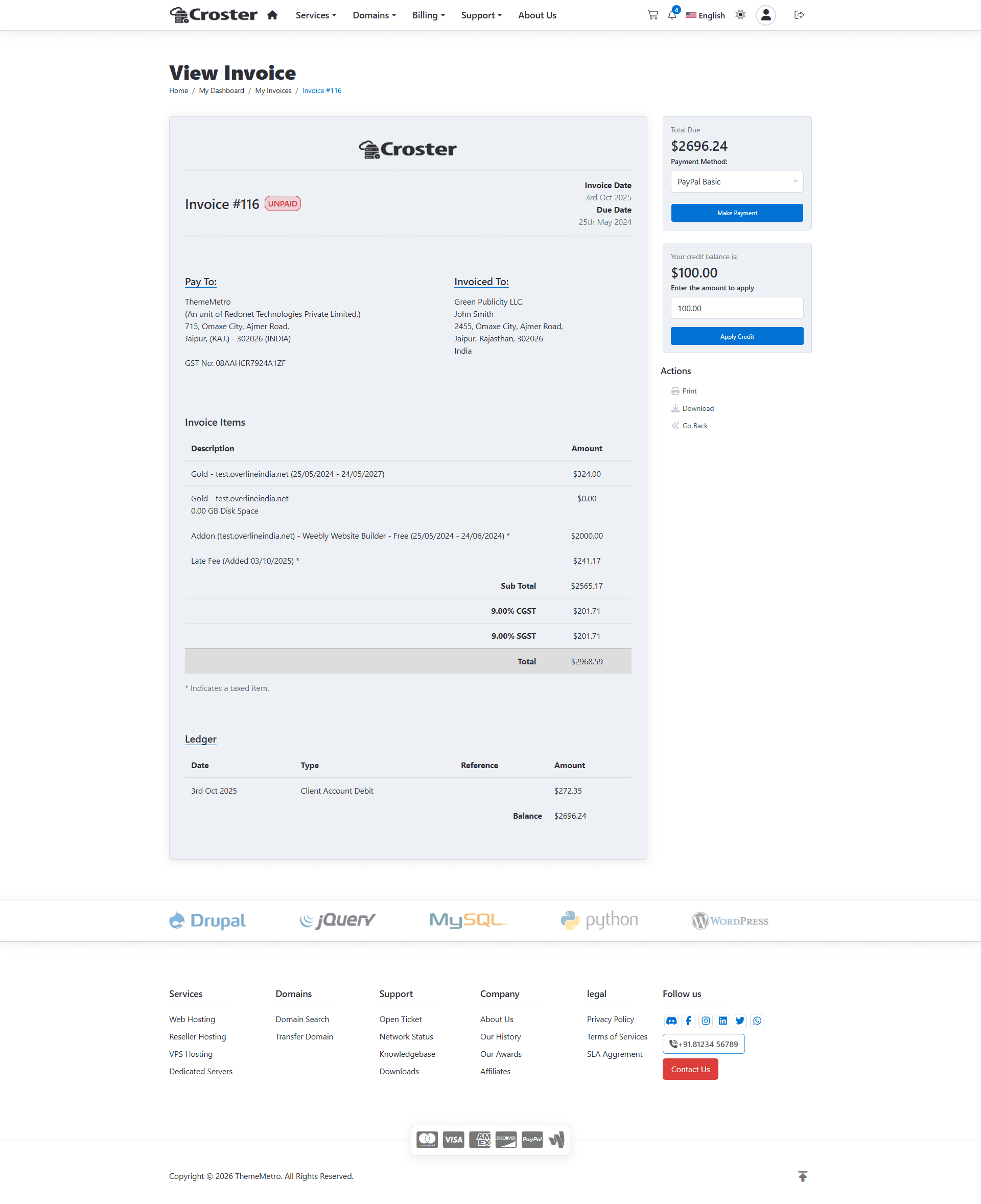
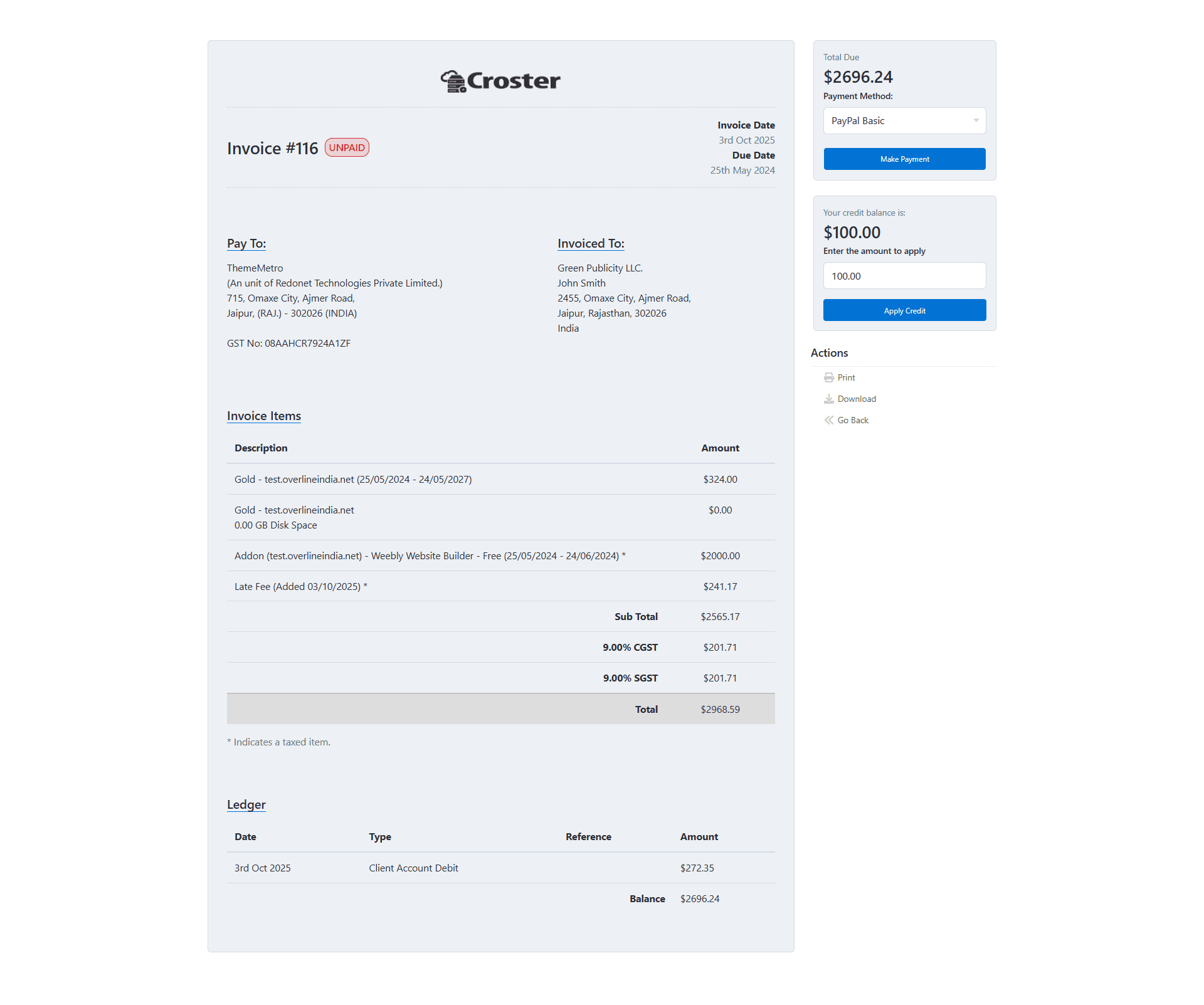
Using this option, you can choose the layout for the View Invoice and View Quote pages:
- Type 1 – Displays the page with the website's header and footer.
- Type 2 – Displays the invoice or quote as a full-page view without the header and footer.
Preview - Type 1
Preview - Type 2
Using this option, you can also choose the background color of the Invoice and Quote container. This allows you to customize the appearance of these pages. Note: The background color option has no effect when Dark Mode is enabled.
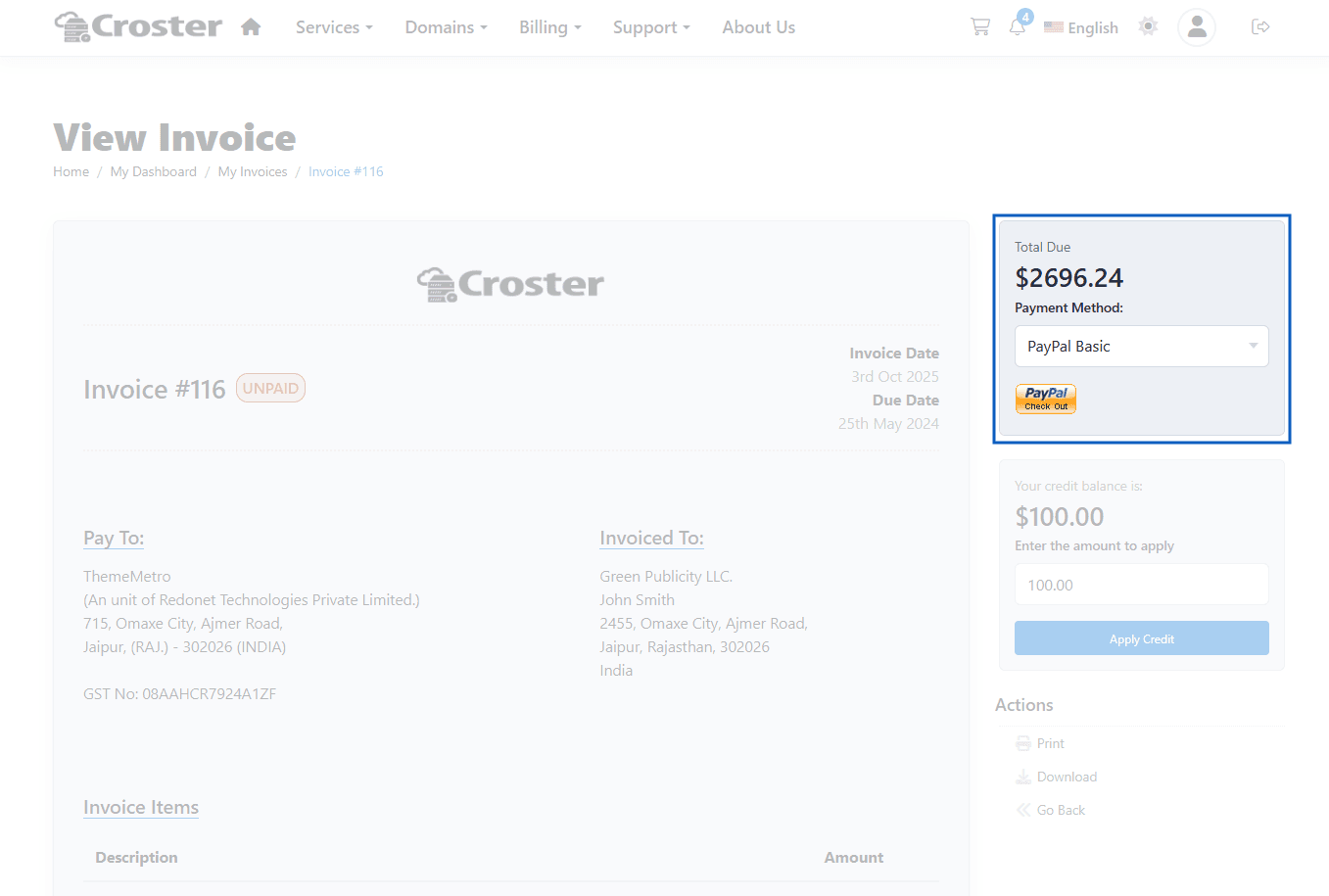
By default, Croster displays custom Make Payment / Subscribe buttons on the View Invoice page. Enable this option to display the default WHMCS payment gateway images instead. This may be useful if your payment gateway requires the default WHMCS payment button layout for proper functionality
Before enabling this option.
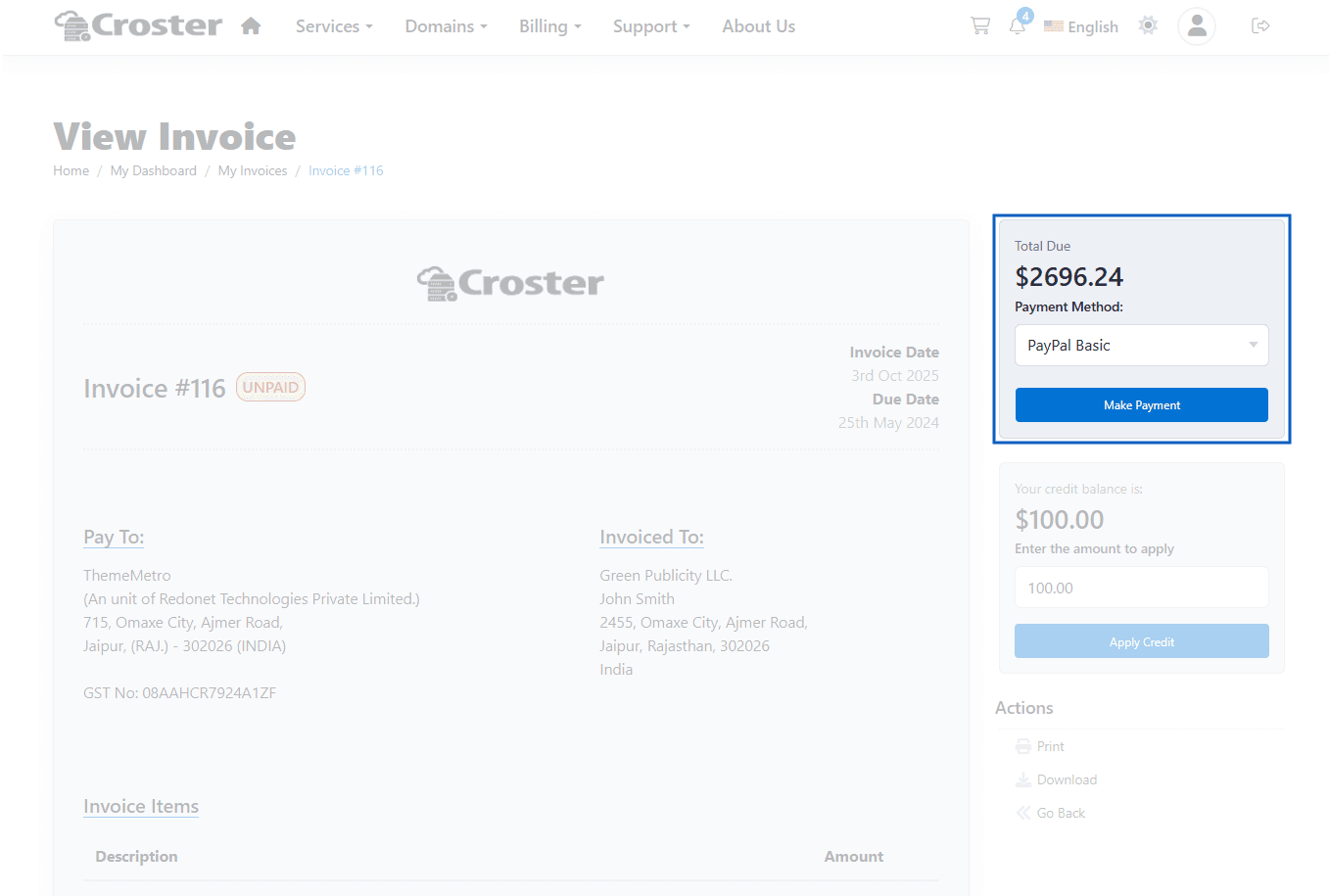

After enabling the above option.